

Reservation Schedule
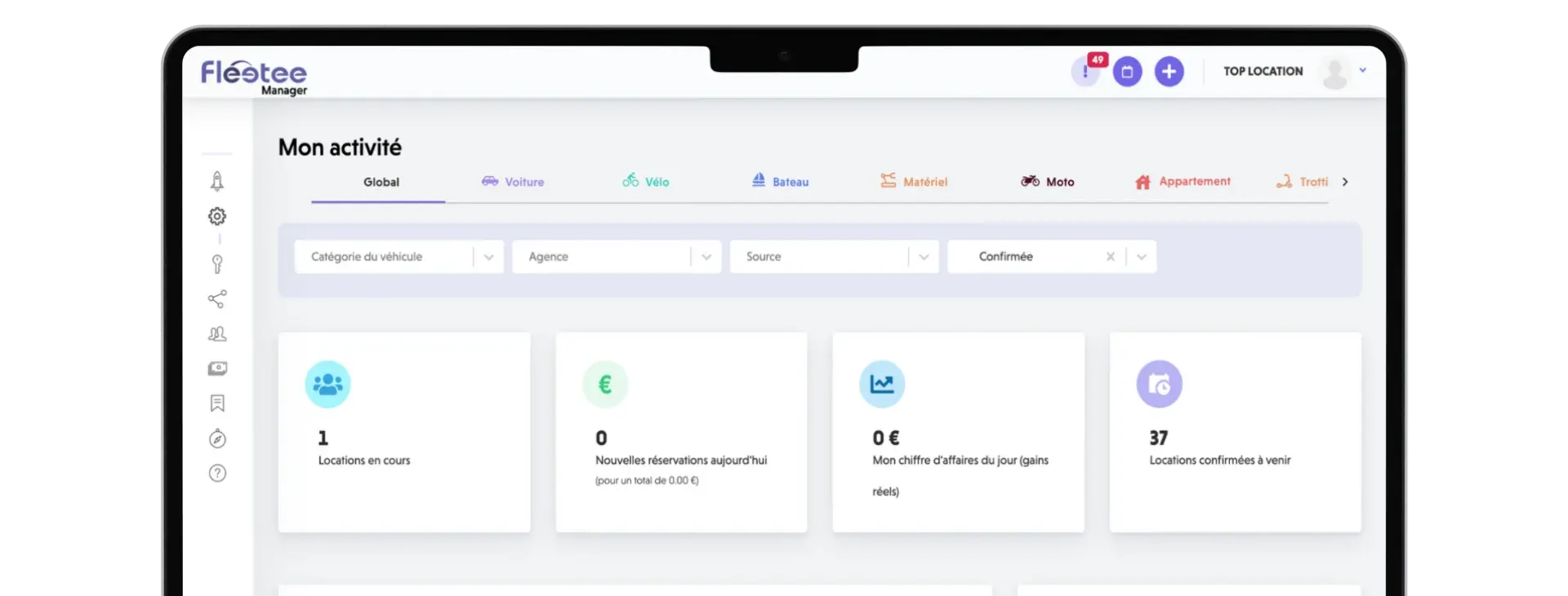
View available rentals and vehicles so you can respond more quickly to a request.
Learn more : Reservation ScheduleScheduling, contracts, property inspections, online reservations: Discover the tools that simplify your agency's day-to-day operations.
What would you like to simplify?
28 features to explore
Keep your availability, rates, and customer information at your fingertips.

View available rentals and vehicles so you can respond more quickly to a request.
Learn more : Reservation ScheduleSet your prices based on duration, time of year, and customer profile.
Learn more : Rates and seasonsSet up the pricing options and rules that best suit your rentals.
Learn more : Options and PlansFind customer and driver information without having to search through multiple files.
Learn more : Customer and Driver ProfilesTake care of the paperwork before the customer arrives at the counter.
Ask the customer to fill out their information and submit their documents before they arrive.
Learn more : Online registrationPrepare your contracts using the rental file to minimize the need to re-enter information.
Learn more : Lease AgreementsHave your contracts signed as part of the rental process. Contract signing is included in Manager.
Learn more : Electronic Contract SignaturesCustomize the templates for quotes, contracts, and other documents to suit your agency and the client's language.
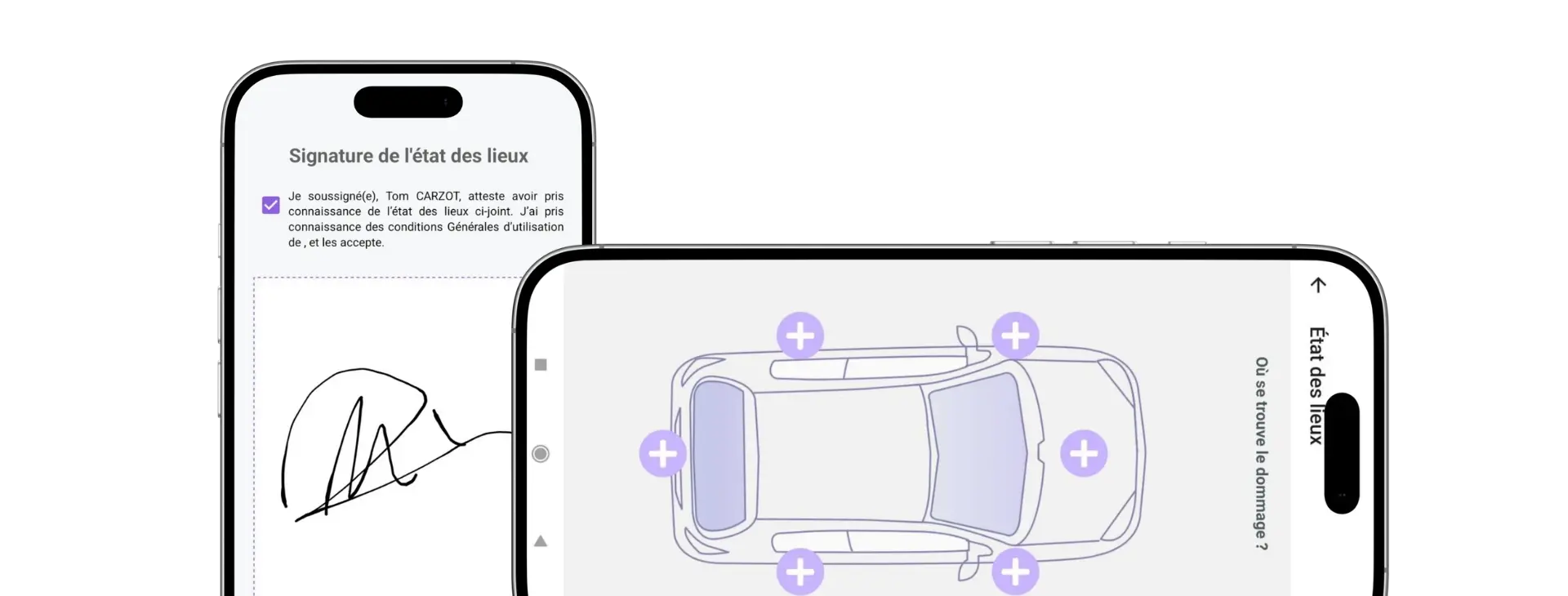
Learn more : Custom documentsComplete the vehicle inspection and take photos of the vehicle using your cell phone.
Learn more : Mobile site surveysKeep track of the amounts you need to pay and prepare the security deposit before you leave.
Prepare your quotes and invoices by retrieving the rental information.
Learn more : Quotes and invoicesKeep track of the payments and the amounts still due. Online payments require a configured payment provider.
Learn more : Payments and SettlementsPrepare the security deposit request and track its status. Fees and any funds that may be held depend on the service provider.
Learn more : Online Security DepositsUse electronic billing through SuperPDP after activating and configuring the connection.
Learn more : Electronic BillingFind the customer's credits and use them to pay for a rental or an invoice, depending on the type.
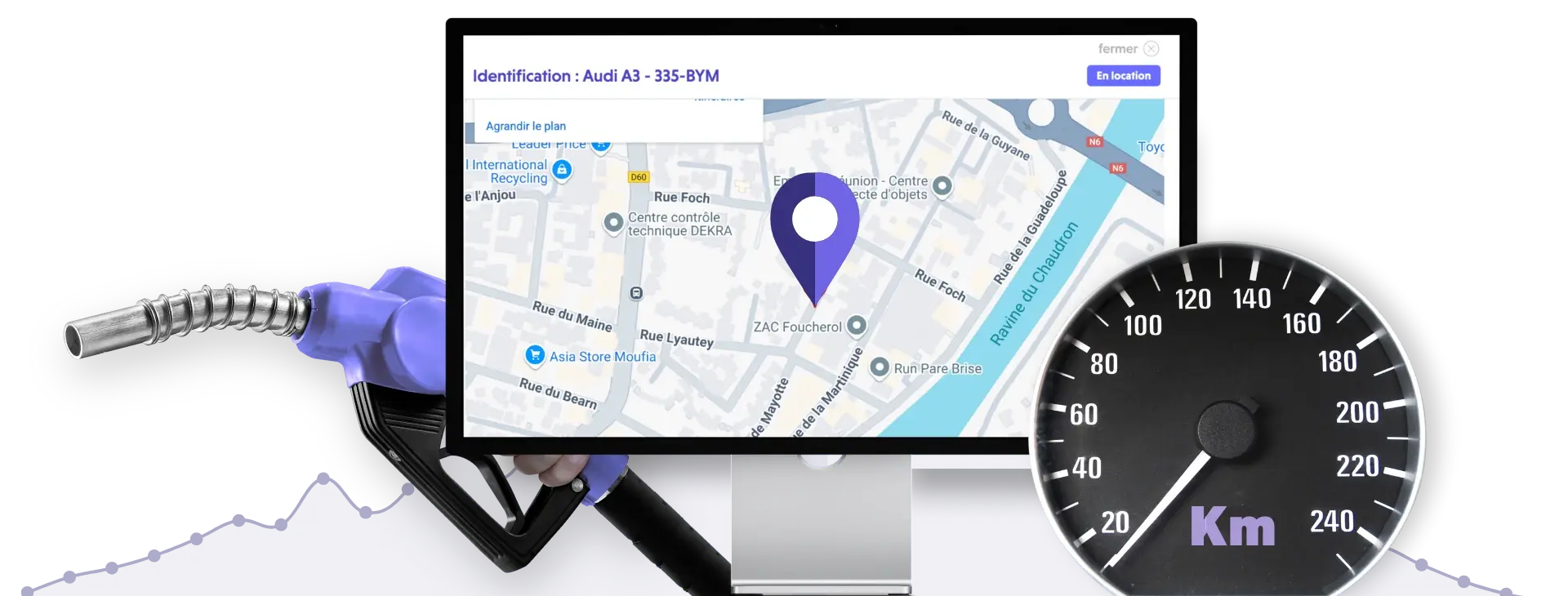
Learn more : Customer Balances and PortfolioPlan ahead for maintenance and access the available data on your equipped vehicles.
Set your maintenance schedules by date or mileage and plan for downtime.
Learn more : Maintenance and RepairsView the available locations of compatible vehicles equipped with Fleetee Manager.
Learn more : GeolocationReview the mileage data to prepare for contract tracking and maintenance, based on the available information.
Learn more : Mileage TrackingCheck the available fuel level on compatible models equipped with this feature.
Learn more : Fuel MonitoringSome units allow the vehicle to be immobilized. The options and conditions of use are confirmed during the compatibility assessment.
Learn more : Capitalization by Equipment TypeMake booking easier and keep track of your business results.
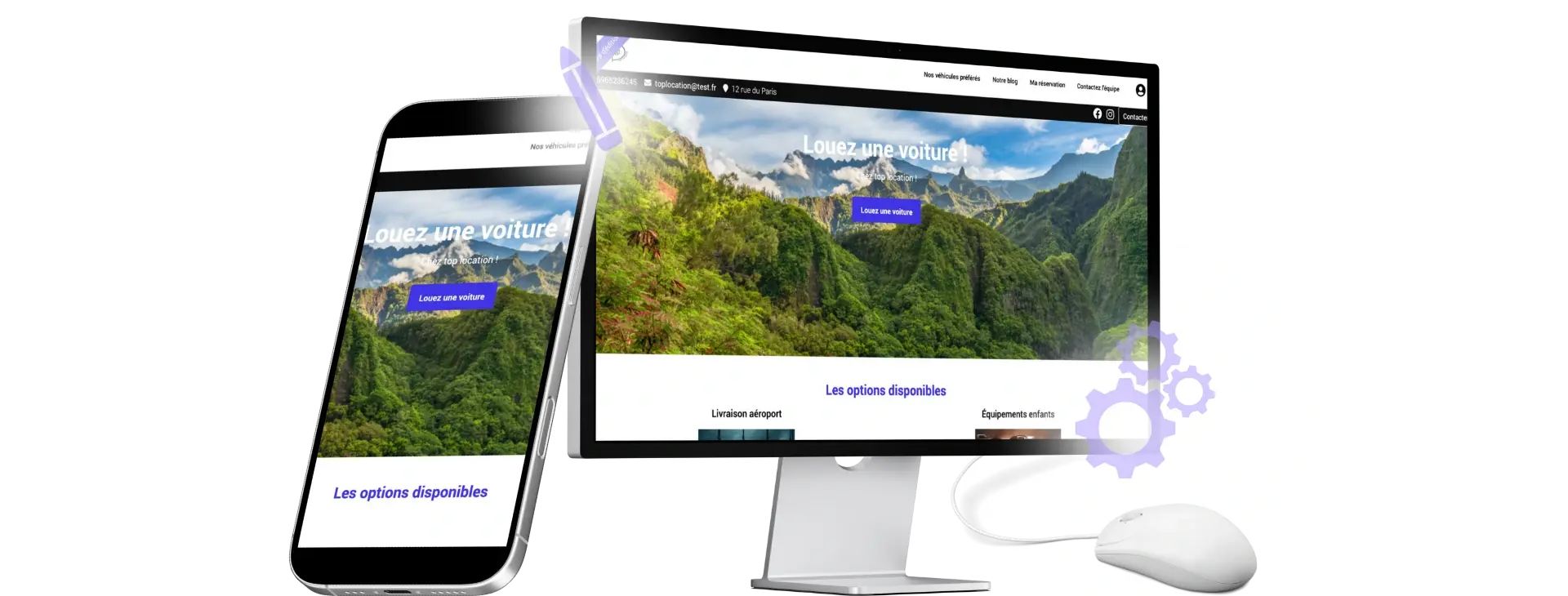
Allow customers to make reservations on your website using a module linked to your rental company.
Learn more : Online bookingShowcase your vehicles and services on a website tailored to your business.
Learn more : Custom rental websiteEnable post-rental review collection. Publishing them on your website requires a website and configuration.
Learn more : Customer reviewsChoose your widgets and filters to view the metrics that are relevant to your business.
Learn more : DashboardsFind your rental data, invoices, and payments in the reports you need.
Learn more : Reports and ExportsCustomize employee permissions and settings by branch to facilitate teamwork.
Learn more : Offices and TeamsSet up the rental, then let the customer complete the process in KeyRent.
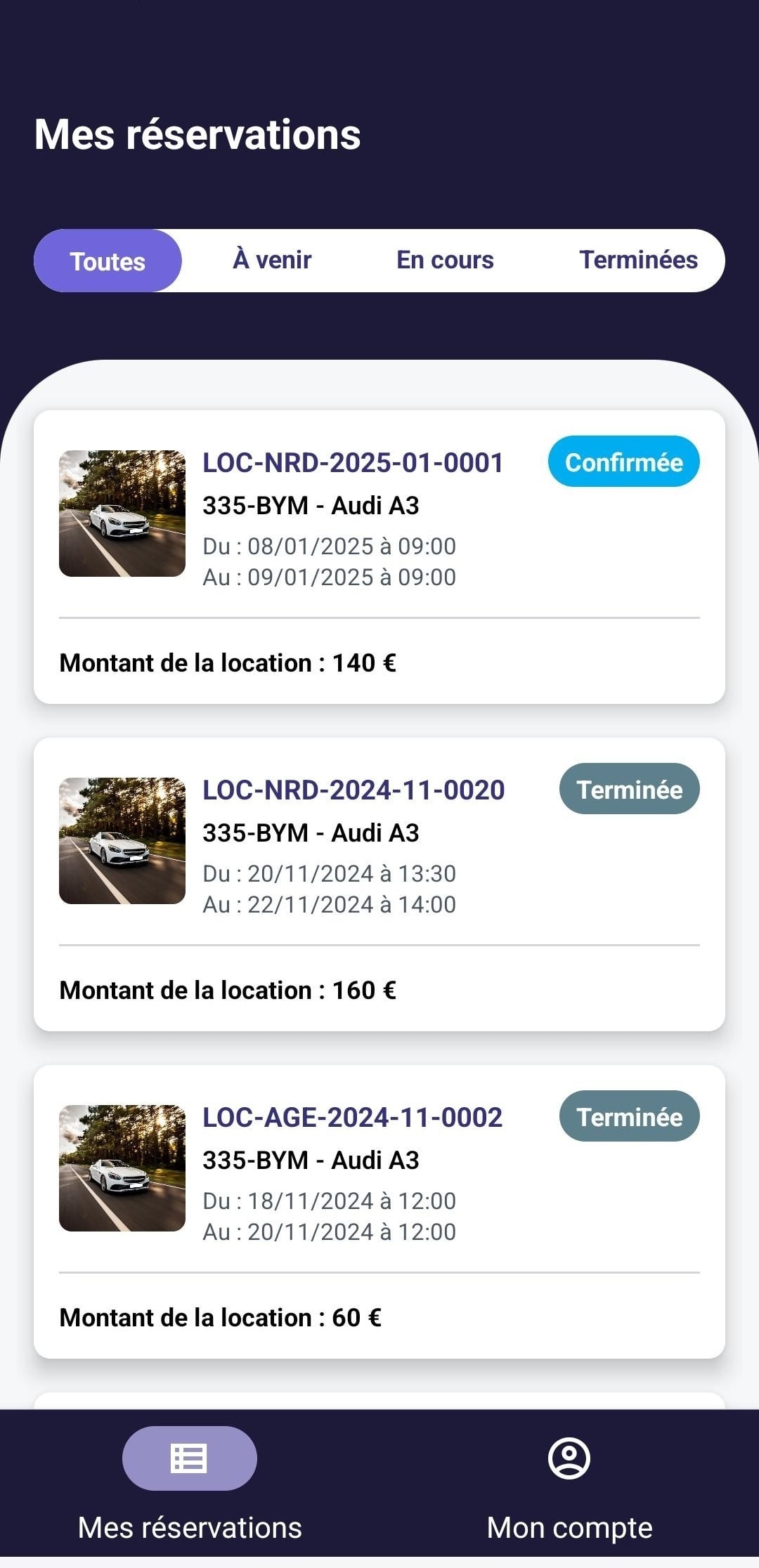
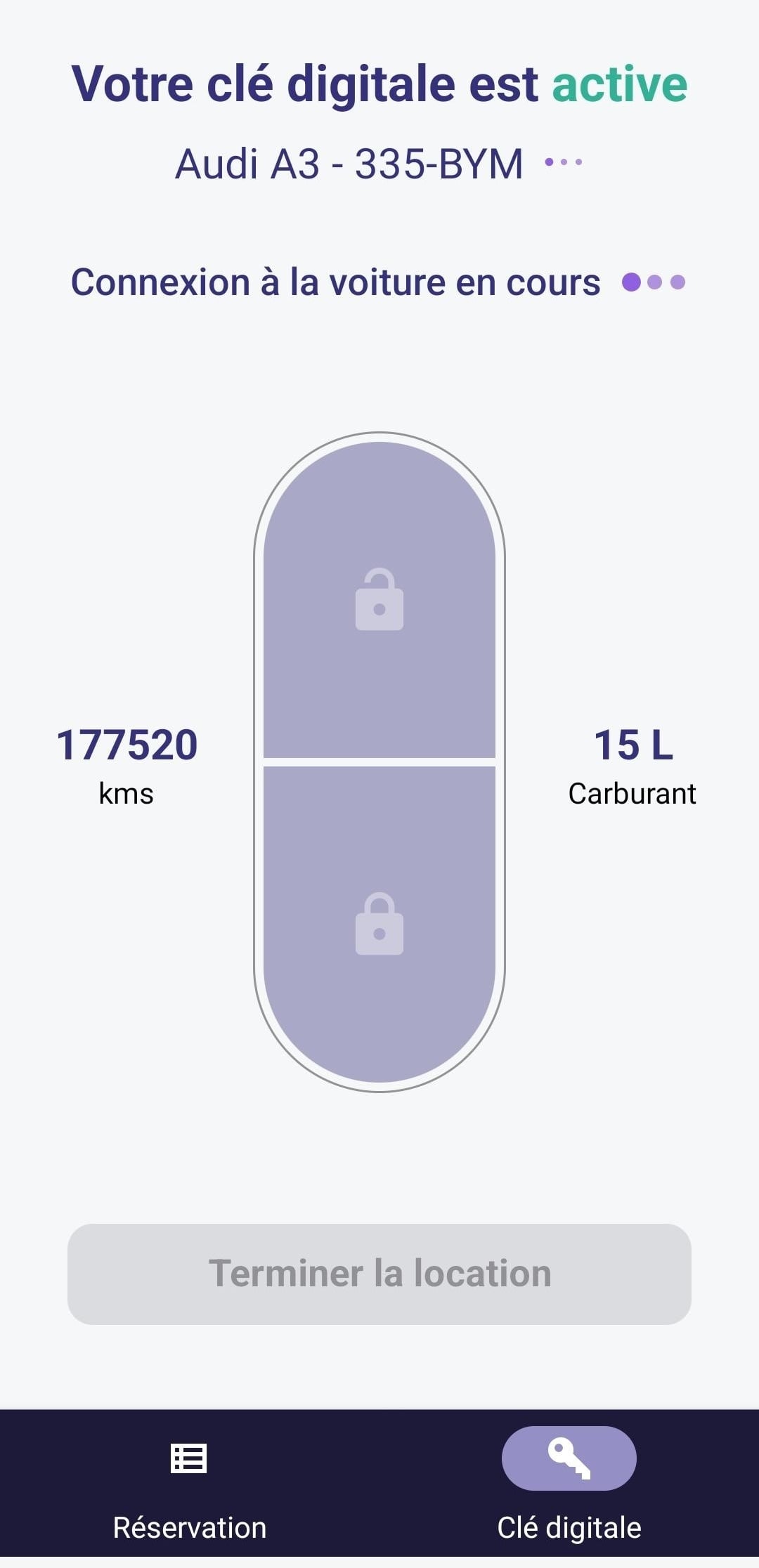
The customer unlocks and locks the vehicle using KeyRent when the access requirements are met.
Learn more : Opening by phoneArrange for the vehicle to be picked up and returned without scheduling a time to drop off the keys.
Learn more : Self-service check-in and check-outPlease complete the pre-use checks: ensure the permit is validated and the security deposit is on file before accessing the vehicle.
Learn more : Terms of AccessTry a different word or check out all the features.
Explore the tools featured in Fleetee's plans and compare their terms.
Fleetee ManagerManage Your Rentals on a Day-to-Day BasisFleetee CheckConduct mobile property inspectionsFleetee WebReceive online reservations Fleetee ConnectTrack Equipped VehiclesFleetee KeylessOffer self-service
The available features depend on the plan and its configuration. Connect and Keyless require compatible vehicles and the appropriate equipment. Keyless relies on Manager and Check. Payments, deposits, and the SuperPDP connection require the corresponding services.
Compare offers and their terms →Try Fleetee for 14 days—no credit card required.
No automatic paid subscription at the end of the term

Less administrative work.
More time for your rentals.