

Automatic requests or requests requiring approval
In automatic mode, requests are confirmed based on your settings. In manual mode, you accept or reject each request you receive.
Add the Fleetee Web booking module to your car, van, or utility vehicle rental website. Your customers can check availability, select their options, and submit their requests at any time. You can view this information in Fleetee.
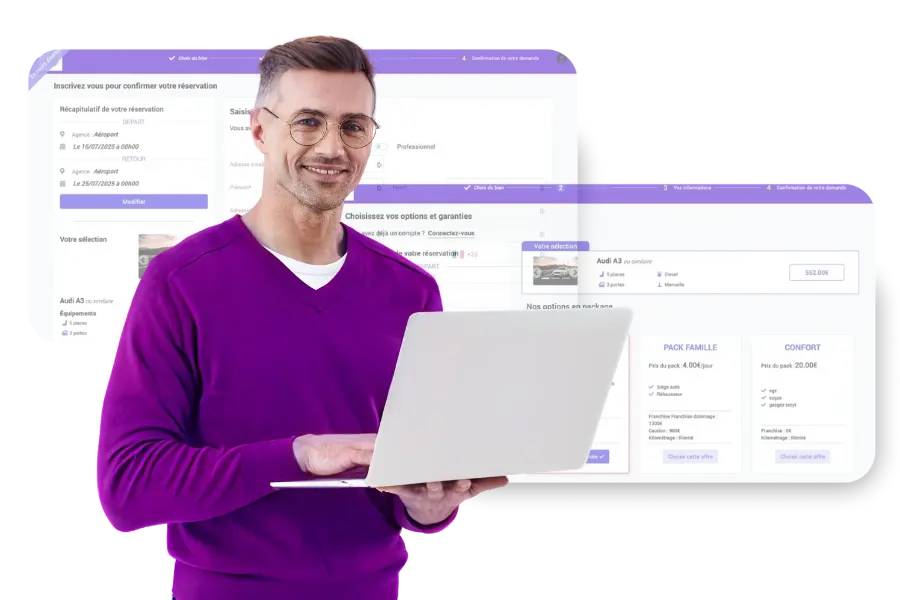
You choose the operating mode that best suits your business before opening your module to customers.
In automatic mode, requests are confirmed based on your settings. In manual mode, you accept or reject each request you receive.
Set up the payment method requested at the time of booking. The processing depends on the payment solution connected to your account.
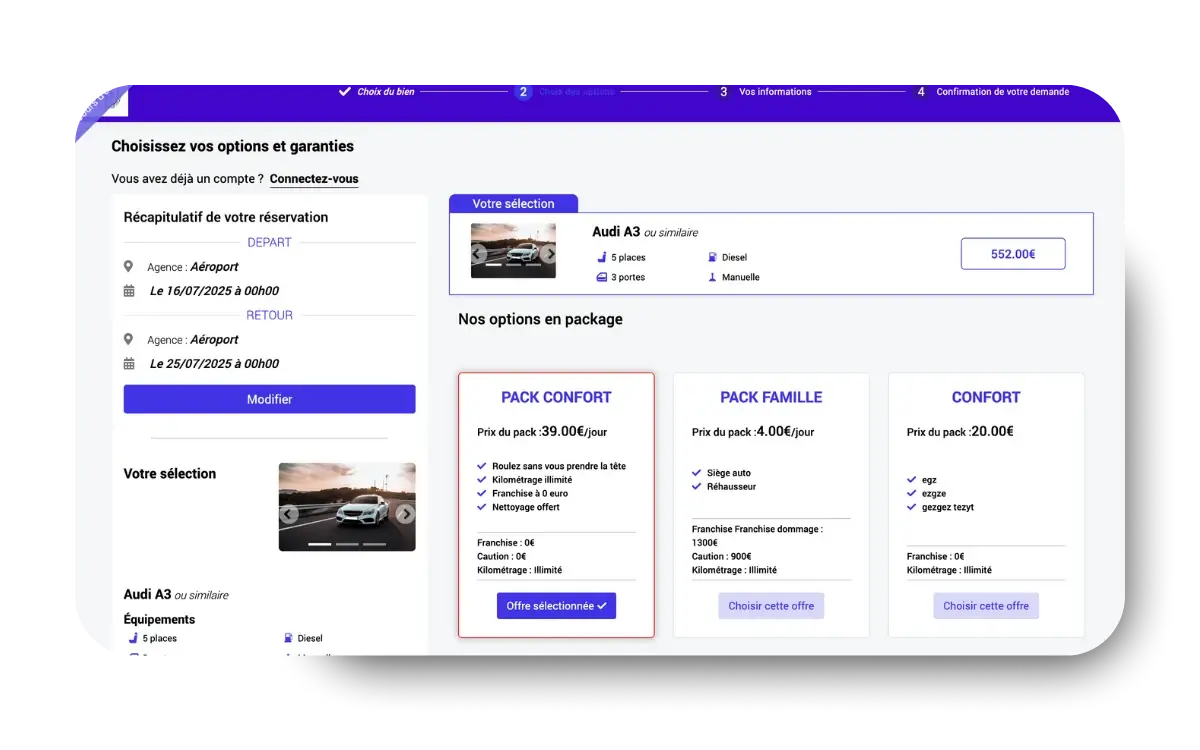
Enter your categories, photos, and rates. The customer will see a quote calculated based on the dates and selections they enter.
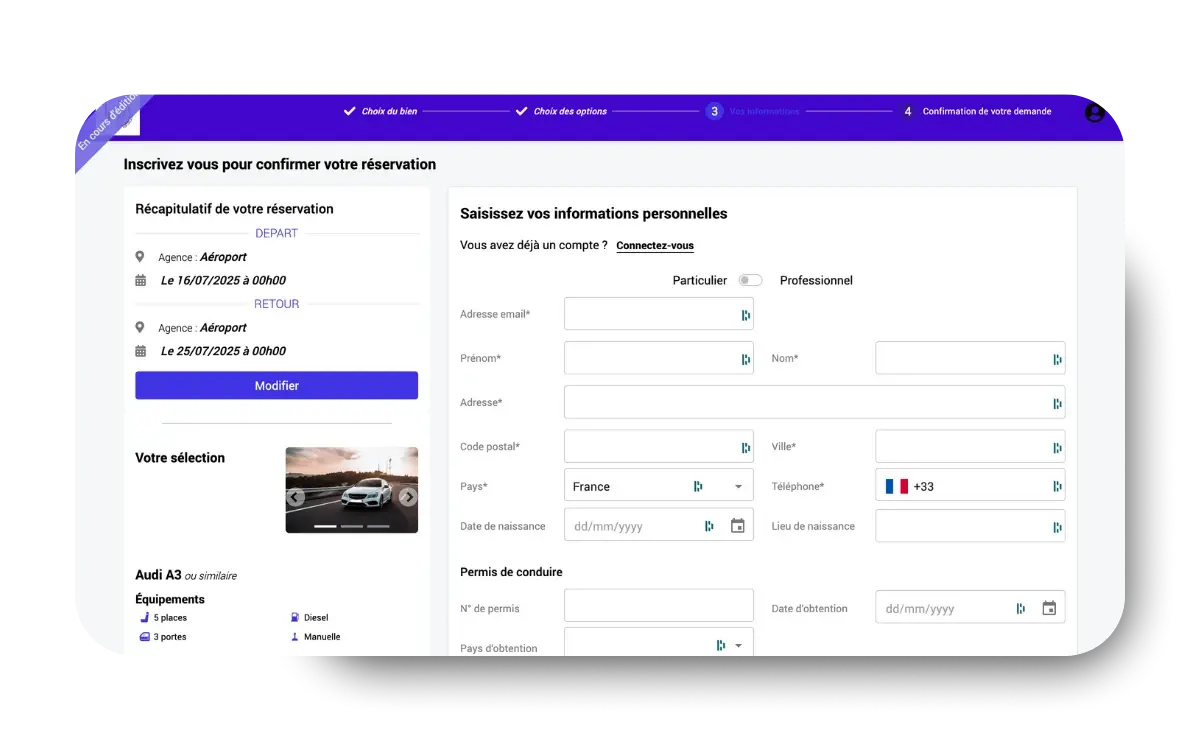
The customer specifies the pickup and drop-off locations, dates, and times. The customer reviews the available vehicles, selects options, and then enters their contact information.
Your online requests are linked to the rental file. If you choose manual approval, they remain pending until you make a decision. In automatic mode, the vehicle is assigned and the dates are reserved according to the settings.

The customer portal allows tenants to view their leases and the documents made available to them. It gives them a single point of access to track their account, without having to search for each document individually.
Explore all our web solutions →The Fleetee API allows your technical team to check availability, calculate rates, and manage reservations directly from your own interface. Your team or service provider is responsible for developing and maintaining this workflow.
Learn about the API's scope to help you plan your project with your technical team.
Explore the Fleetee APIAvailable resources, parameters, and access procedures: Your team can review the public documentation.
Open the API documentationYes. The module is designed to be integrated into your website. The integration process depends on your environment and should be coordinated with the Fleetee team or the person who manages your website.
Yes. In manual mode, the request is placed on hold pending a response. You can accept or decline it. In automatic mode, requests are confirmed based on the selected settings.
Yes. The module settings allow you to choose between a deposit or full payment for the reservation. Payment must be set up using a solution connected to your account.
Yes. The booking process is available on smartphones as well as on computers. Customers enter their dates, choose their vehicle, and submit their request details.
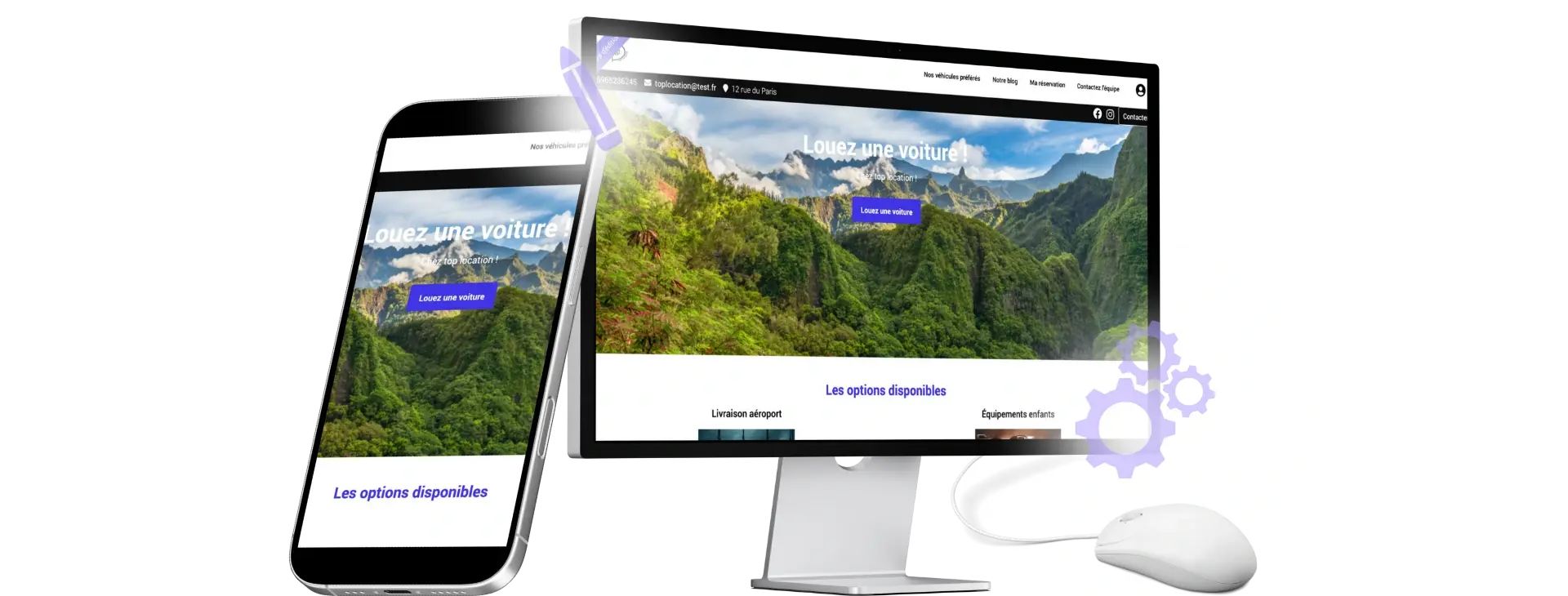
Don't have a website yet? Check out our special offer.
Learn About Website Development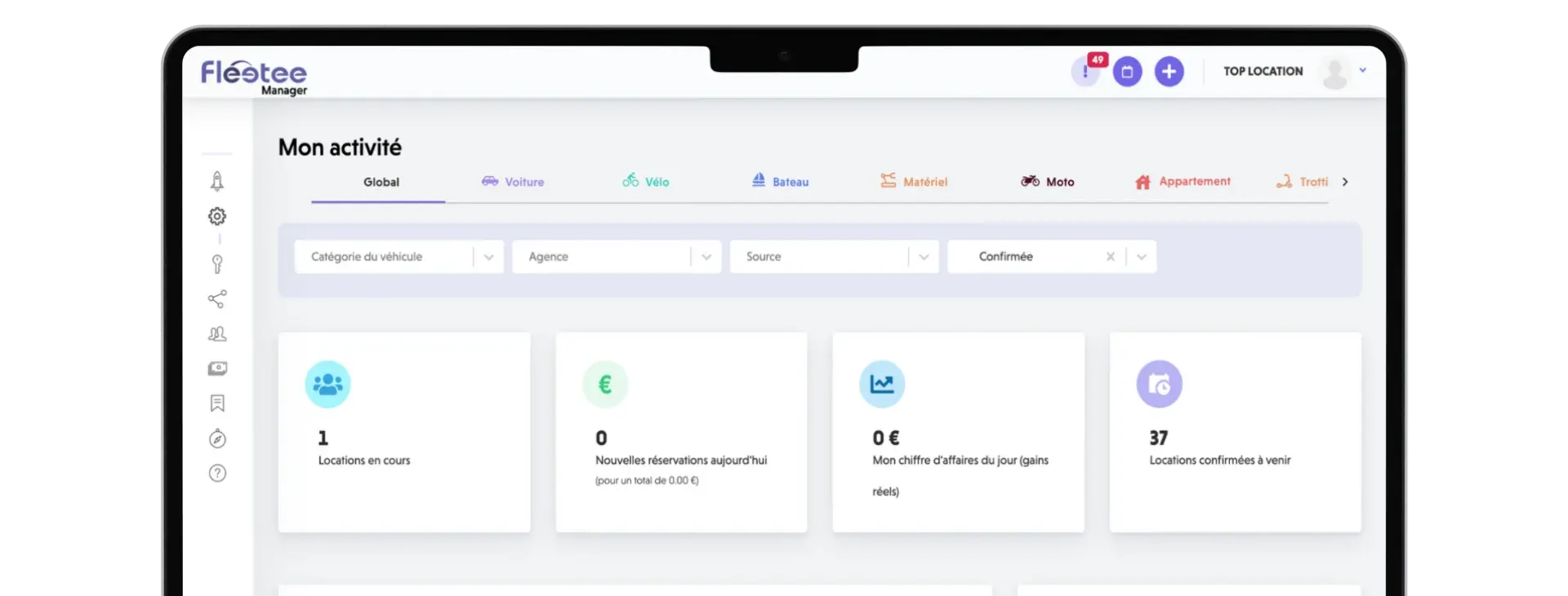
Manage reservations and availability.
View the schedule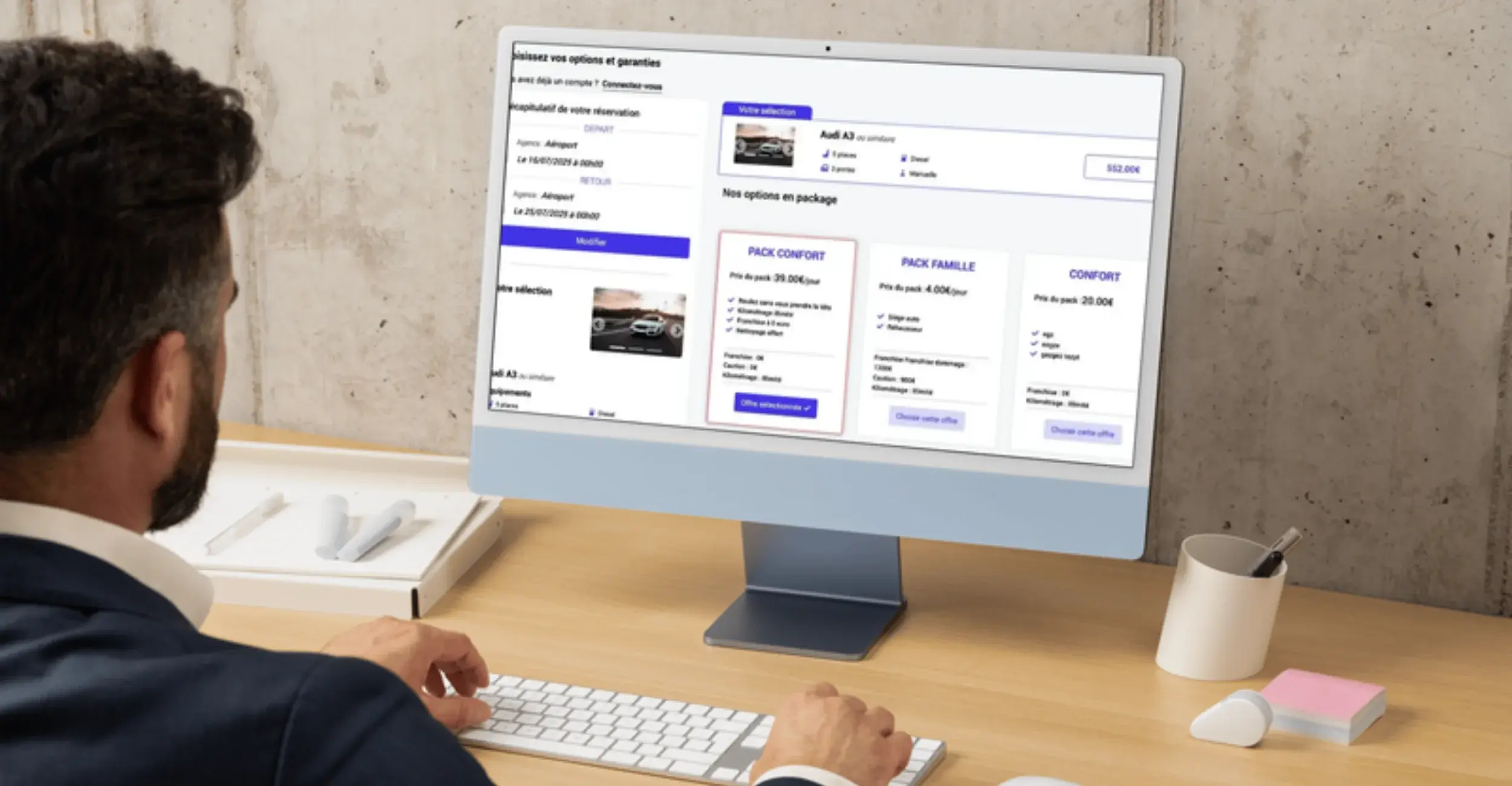
Create a Car Rental Website: Discover 7 Strategies to Attract More Customers and Generate More Online Reservations.

Car Rental Scheduling in Excel: Data Entry Errors, Sharing, Backups, Online Reservations. 7 Reasons to Switch to Dedicated Software.
Choose the plan that's right for your site and get your project started with Fleetee Web.

Less administrative work.
More time for your rentals.