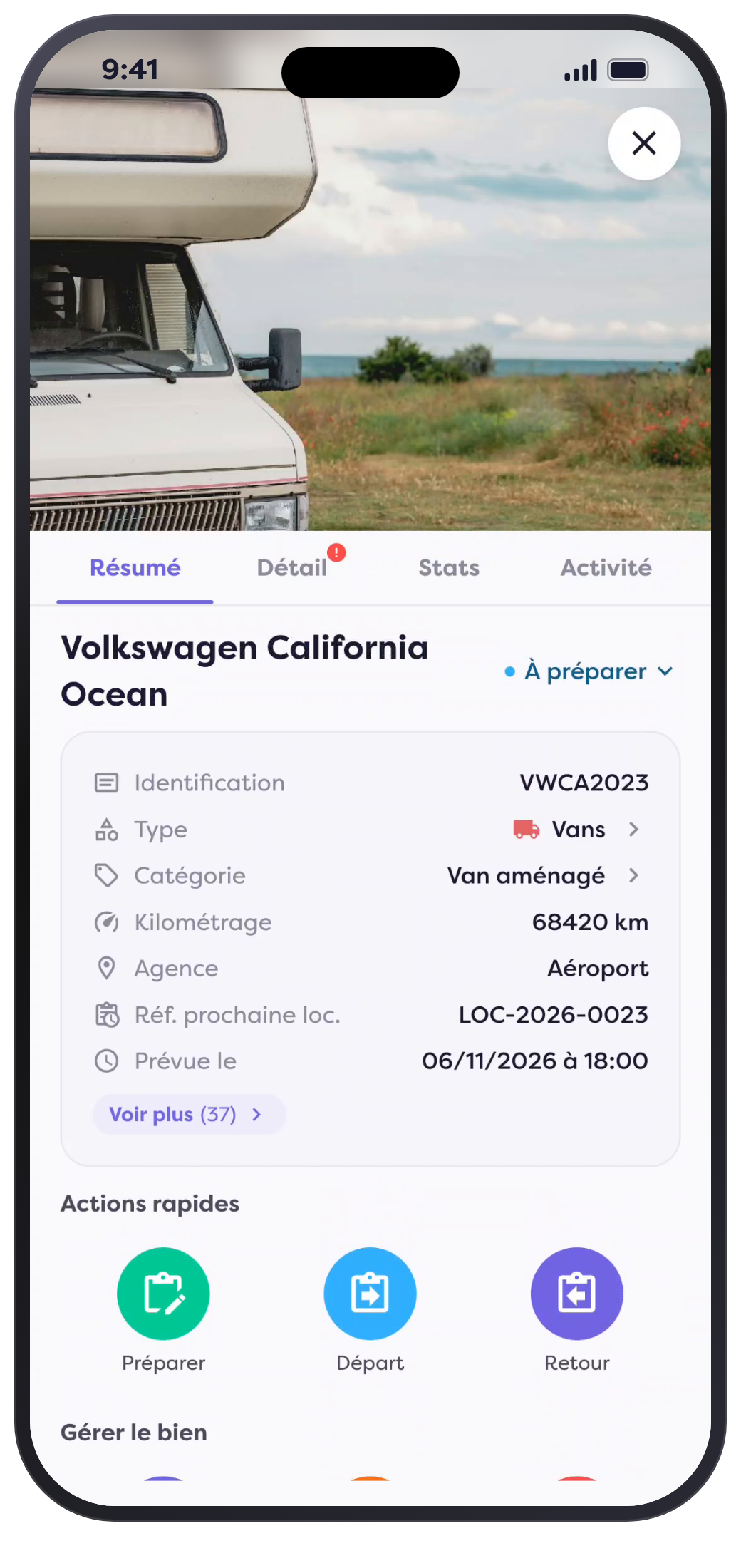

A Tour of the Property, Tailored to Your Needs
Great views.
For each of your vehicles.
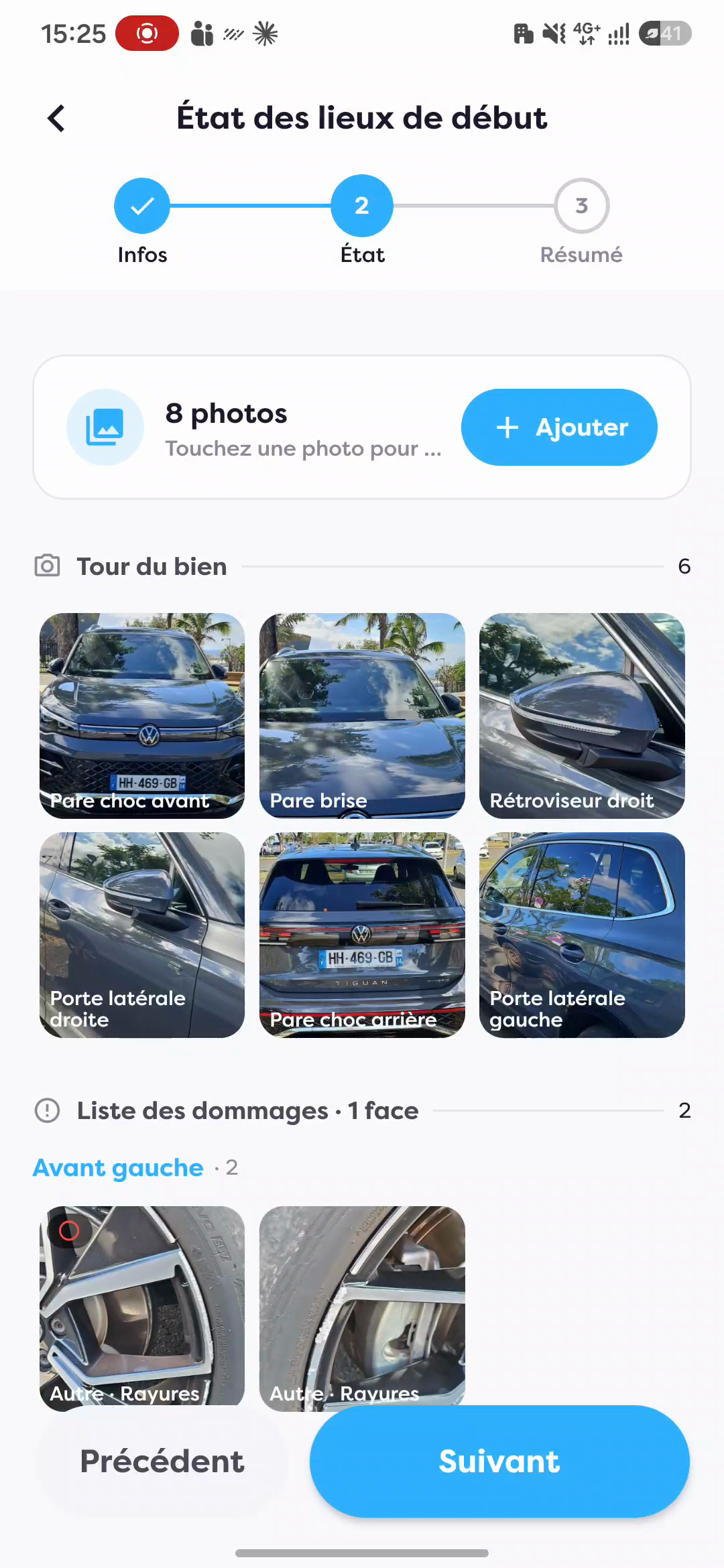
Fleetee Check combines photos of the property’s exterior and interior with photos of any damage in the move-in inspection report. Your agency selects which areas to photograph using the Fleetee Manager settings.
Car, van, utility vehicle, or truck: you choose the views that are relevant to your business. If you want to photograph the roof of a truck, you can add it to the route.
- A guided photo tour tailored to your preferences
- General views of the vehicle, all in one place
- Photos of the damage to help clarify your observations
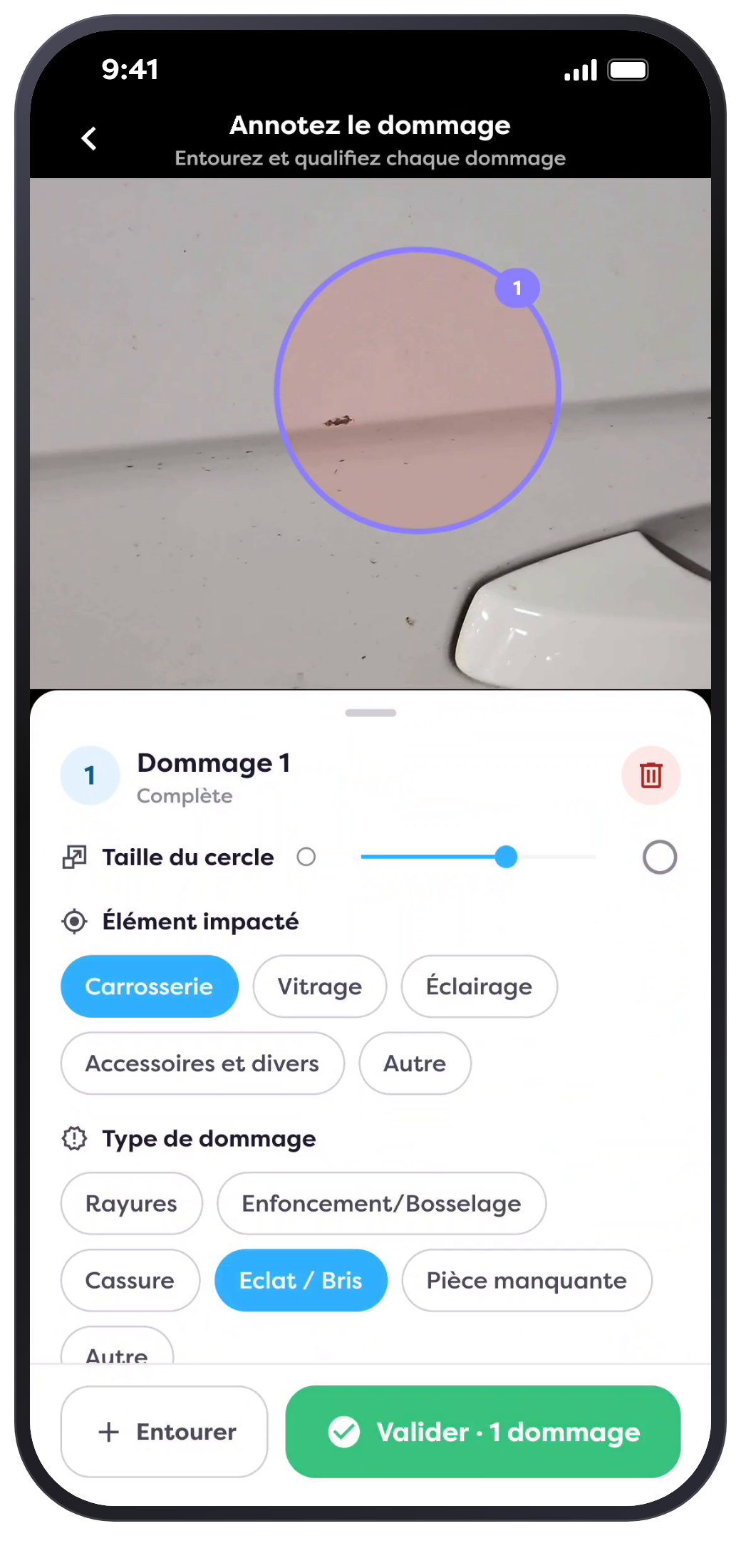
The detail that makes the observation clear
Circle the damage.
Right on the photo.
A scratch on a wheel rim, a dent in a car door: Show exactly what your team observed, rather than just leaving a single note.
- Circle one or more instances of damage in the same image
- Please specify the item in question and the type of damage
- Keep the photo and its annotations together
The overview and the details of the damage are both included in your move-in inspection report.
From Departure to Return
See the damage effects already known for "
."
Damage recorded during previous rentals is automatically carried over. This ensures that your teams have access to existing notes when conducting a new property inspection.
When the vehicle is returned, the photo taken at the start of the rental is displayed for your reference. Your agent inspects the vehicle and records any new damage found.
- Photo of the start is available for reference upon return
- Previous damage included in the route
- Inspection reports available in the property file