

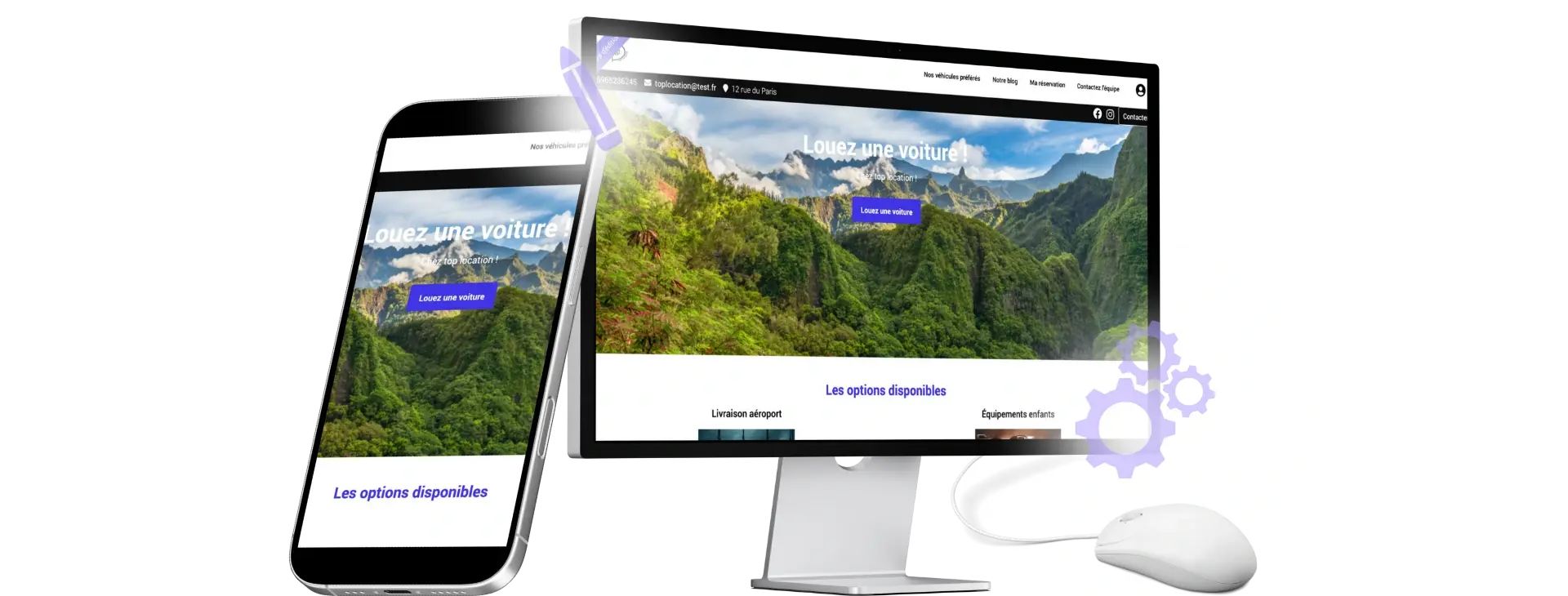
Create Your Rental Website
Customize your website with your content, vehicles, and brand identity. Online booking is part of the customer journey.
Learn About Website DevelopmentA rental website customized to your brand, a module to add to your site, or an API connection: Fleetee Web links your online presence to your availability and rates. Fewer back-and-forth exchanges needed to arrange a reservation.
Free website design until the site goes live. See pricing and terms →.
They manage their rentals with Fleetee.





Are you starting from scratch, do you already have a website, or have you developed your own path? Choose the starting point that's right for your agency.
Customize your website with your content, vehicles, and brand identity. Online booking is part of the customer journey.
Learn About Website Development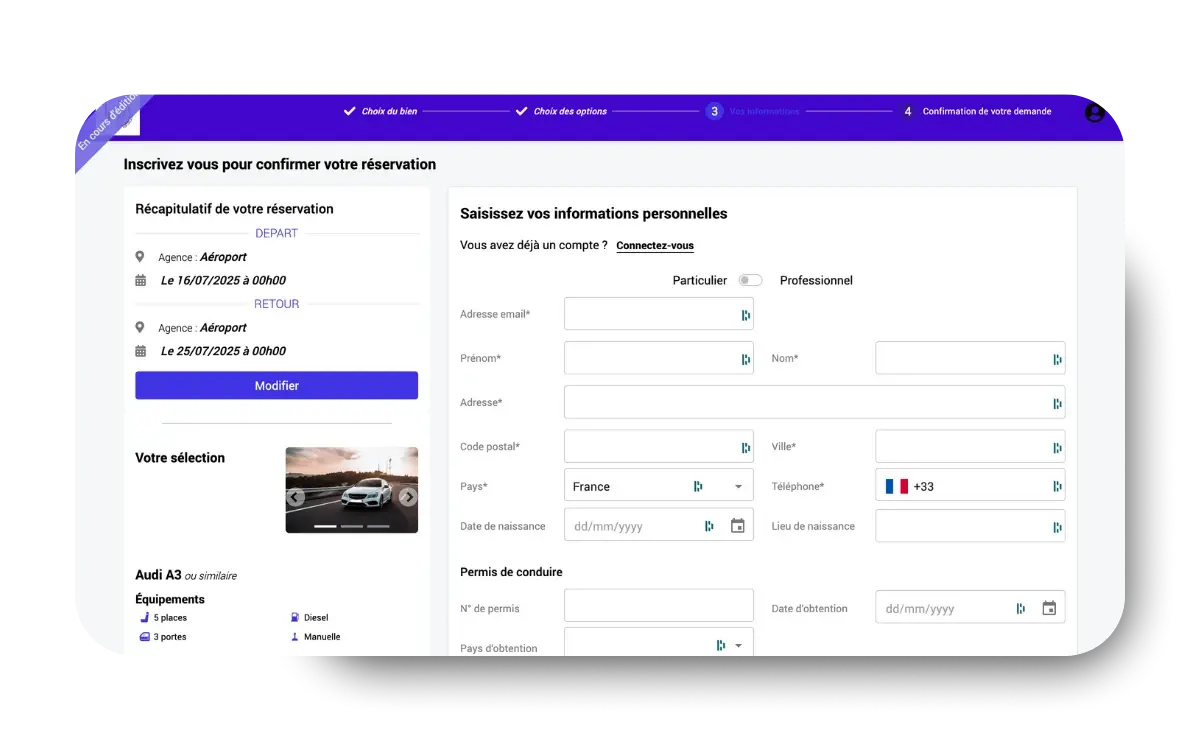
Keep your website as is and add the Fleetee module. Your customers search for a vehicle and then send you their reservation.
Explore the booking module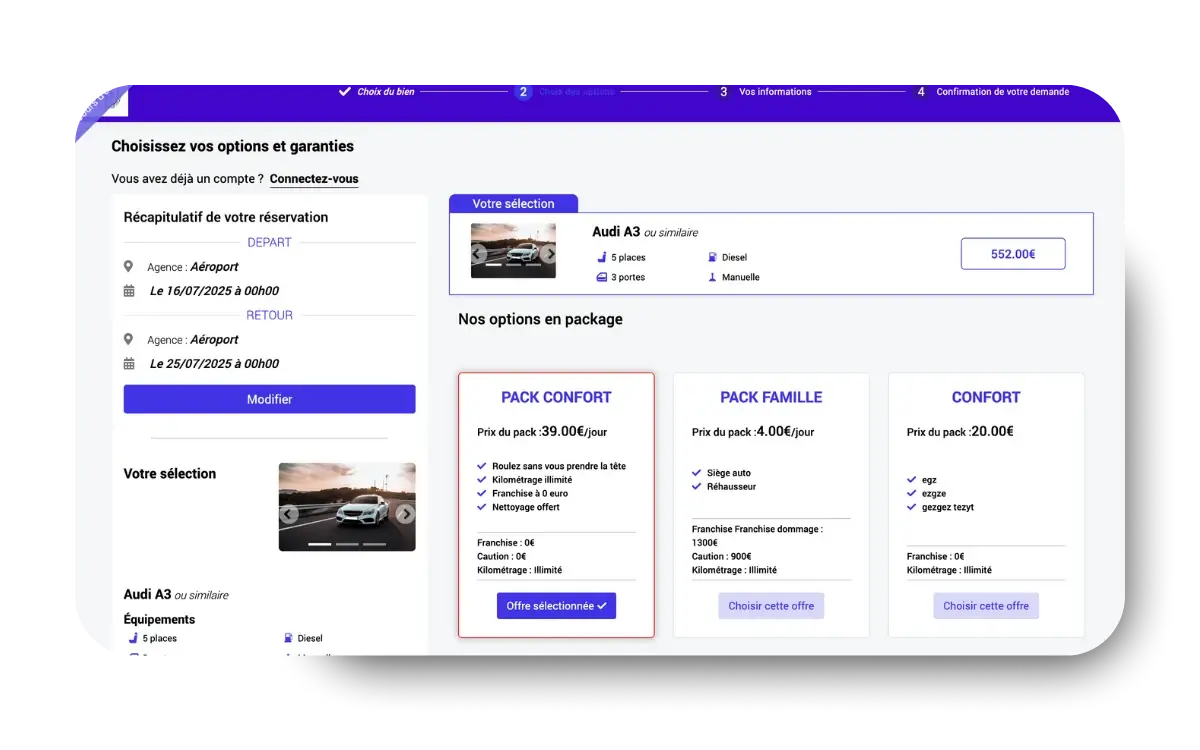
Does your team already have a website or a specific system? The API allows you to connect it to Fleetee data through client-side development.
Explore the Fleetee APIIs your team developing its own route? The Fleetee API provides access to availability, fare calculations, reservations, quotes, and customers, depending on the permissions granted. View the API documentation →.
Dates, availability, vehicle, options: The customer makes the reservation on your website, using a computer or phone. You reduce the number of interactions needed to offer the customer a vehicle.

View the requests you've received online in your Fleetee environment. The team reviews the file and continues preparing the rental, rather than having to copy and paste an email into another tool.
No. You can add the booking module to your existing website. If you don't have a website yet, Fleetee also offers a website-building solution. If your team is developing the interface, consider integrating it via API.
The Fleetee website showcases your business, your content, and your offerings with built-in booking. The module adds the booking process to a website you already own.
It depends on the mode you've set. Automatic mode confirms requests based on your settings; manual mode lets you accept or decline them from Fleetee.
View Fleetee Web’s current pricing →. Building a website, integrating a module, and developing an API are all different types of projects. The team can help you define the scope of your project.
Add a booking flow to your website.
Explore the booking module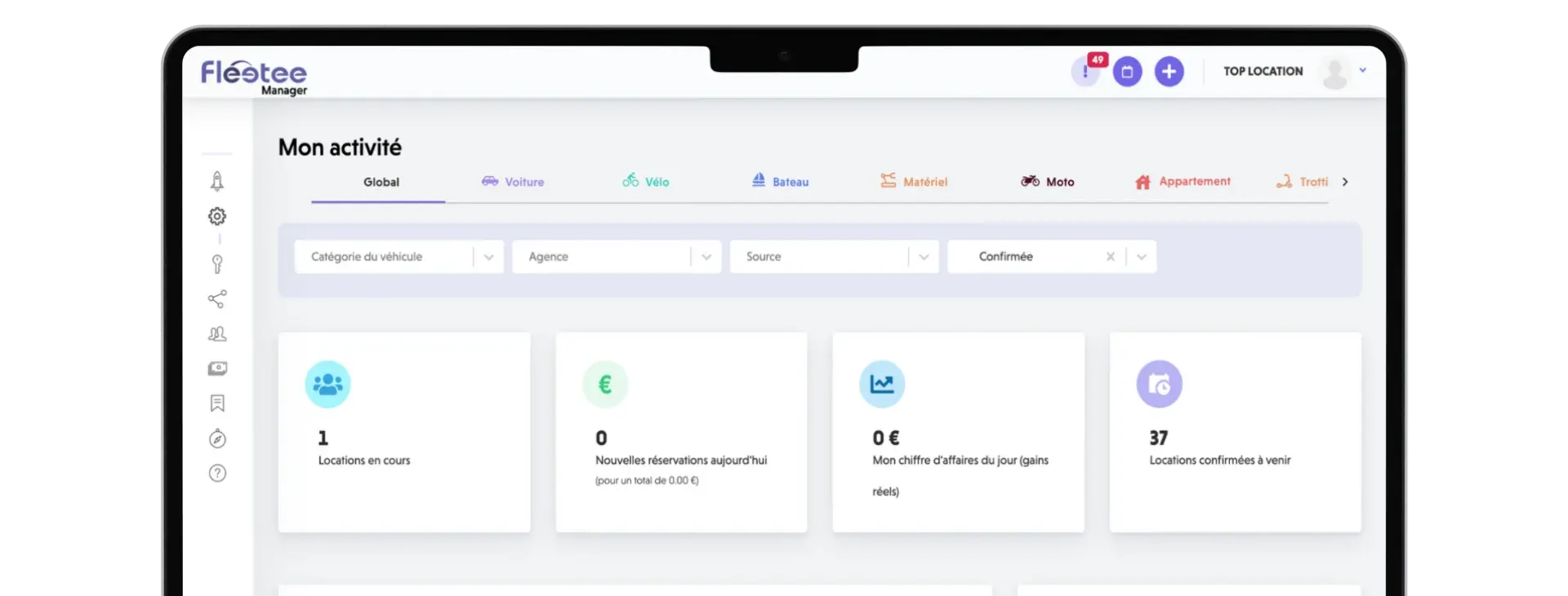
Prepare contracts and track your business.
Learn About Rental Management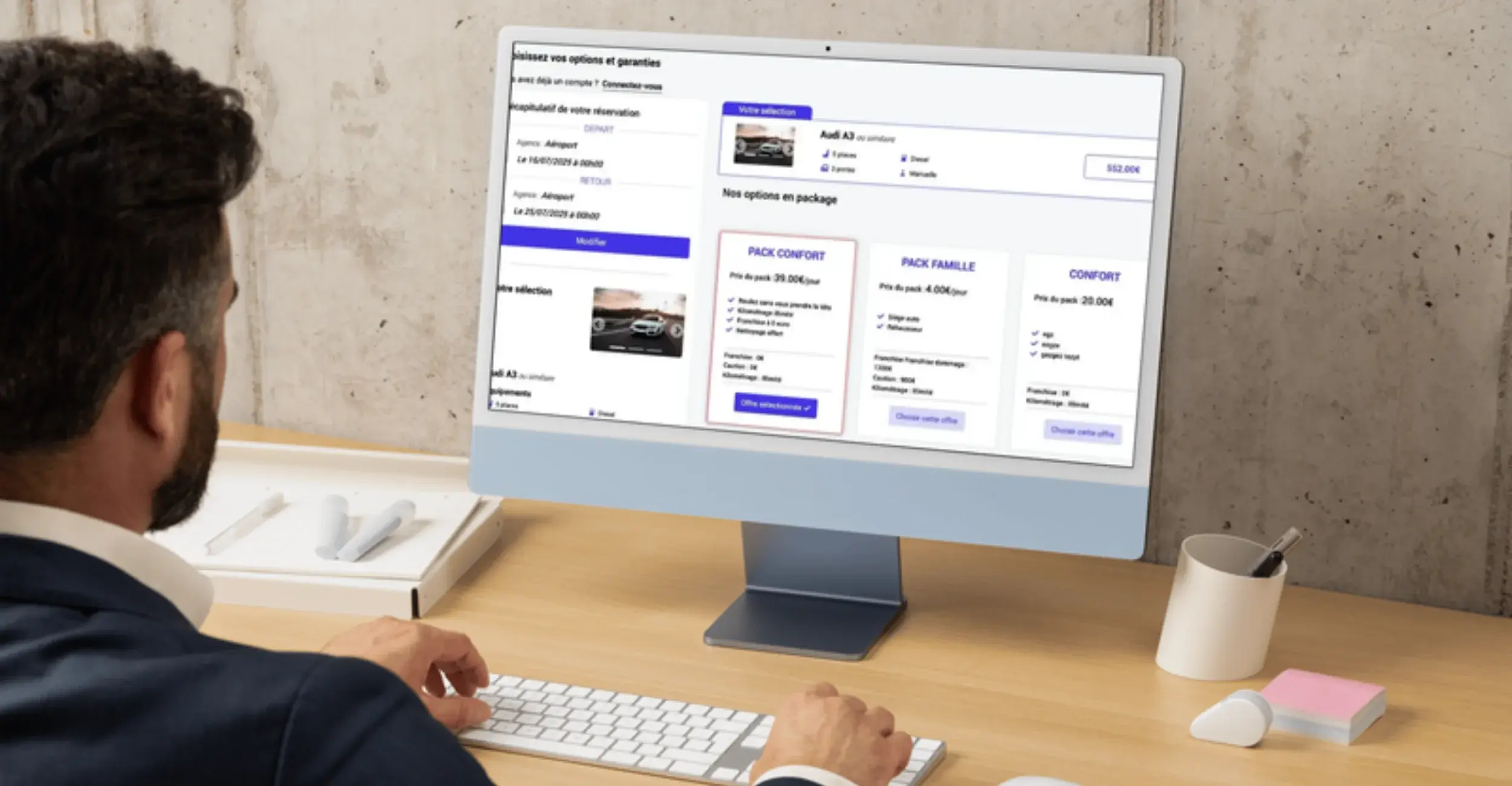
Create a Car Rental Website: Discover 7 Strategies to Attract More Customers and Generate More Online Reservations.

Car Rental Scheduling in Excel: Data Entry Errors, Sharing, Backups, Online Reservations. 7 Reasons to Switch to Dedicated Software.
Choose the plan that's right for your site and get your project started with Fleetee Web.
Free website design until the site goes live. See pricing and terms →.

Less administrative work.
More time for your rentals.