

Late arrival
Customers no longer need to wait for your service counter to open to pick up a prepared vehicle.
With Fleetee Keyless
No more need to schedule an appointment to hand over the keys. Your customer can access the vehicle using their phone once their driver's license has been verified and their deposit has been processed.
The customer makes a reservation following your usual process and then receives instructions on how to complete their profile and use KeyRent. They locate their rental in the app and follow the check-out steps.
You validate their license through Fleetee. Until it is validated, access remains blocked. The security deposit must also be processed before the customer can access the vehicle.
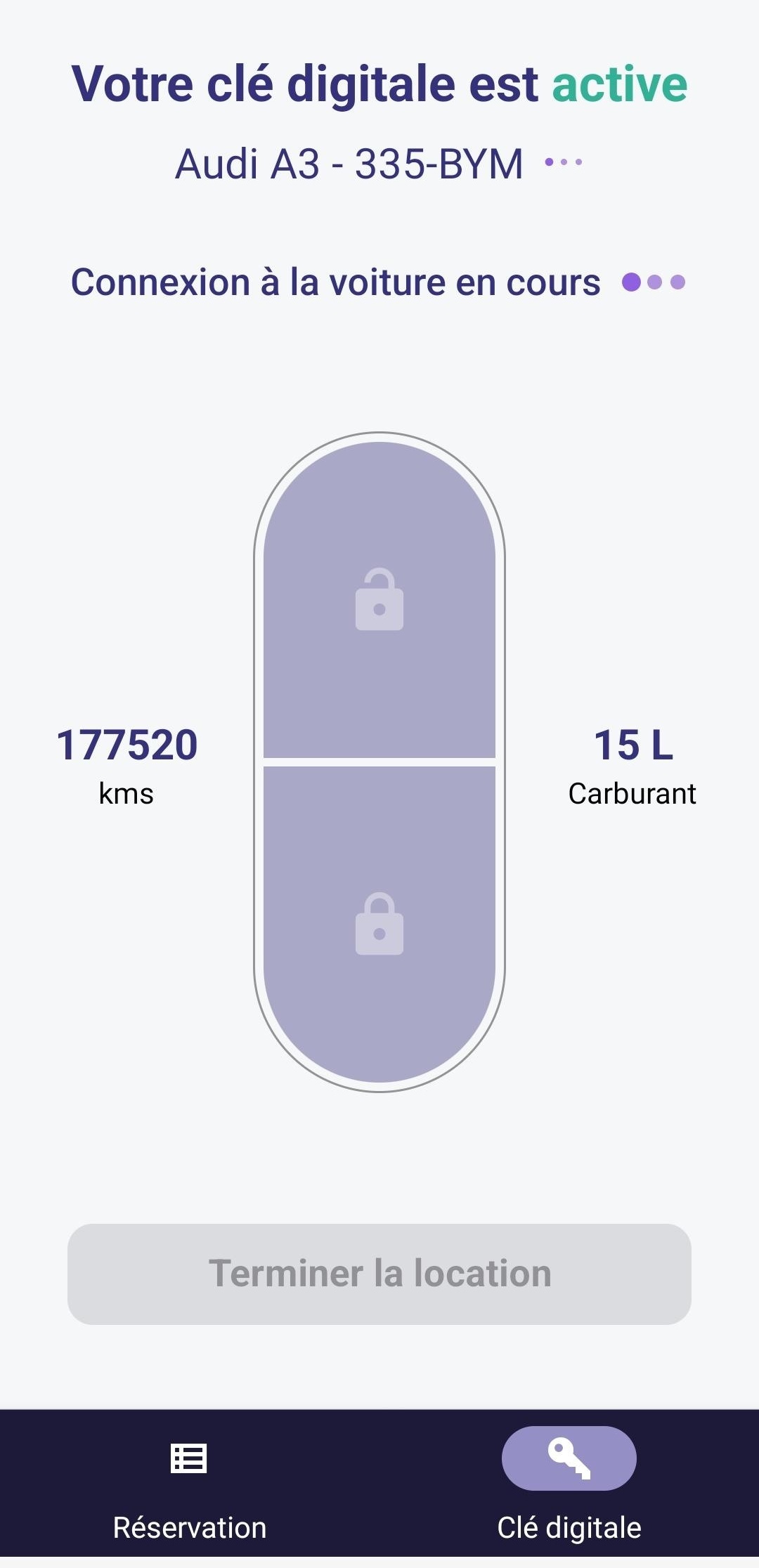
KeyRent displays the digital key screen for the vehicle in question. Your renter can use the unlock and lock controls in their app.
The permit must be approved and the security deposit must be recorded. You retain control over these steps until access is granted.
The phone unlocks the vehicle; the physical keys left inside are used to start the engine.
KeyRent is available to your tenants on iPhone and Android.


Enter the job details in Fleetee Check and place the keys in the designated spot.
You must approve the permit and ensure that the registration and security deposit are in order before pickup.
He picks up his rental car, completes the inspection, and gains access to the vehicle once all the conditions are met.
Customers no longer need to wait for your service counter to open to pick up a prepared vehicle.
Access is granted by phone at the agreed-upon location. Parking and cell service must be arranged in advance.
The customer returns the keys and locks the car using the app. You still need to confirm the return.
The site survey is the first step. It allows us to assess the equipment before providing you with a quote. View the rates and terms of the Keyless offer.
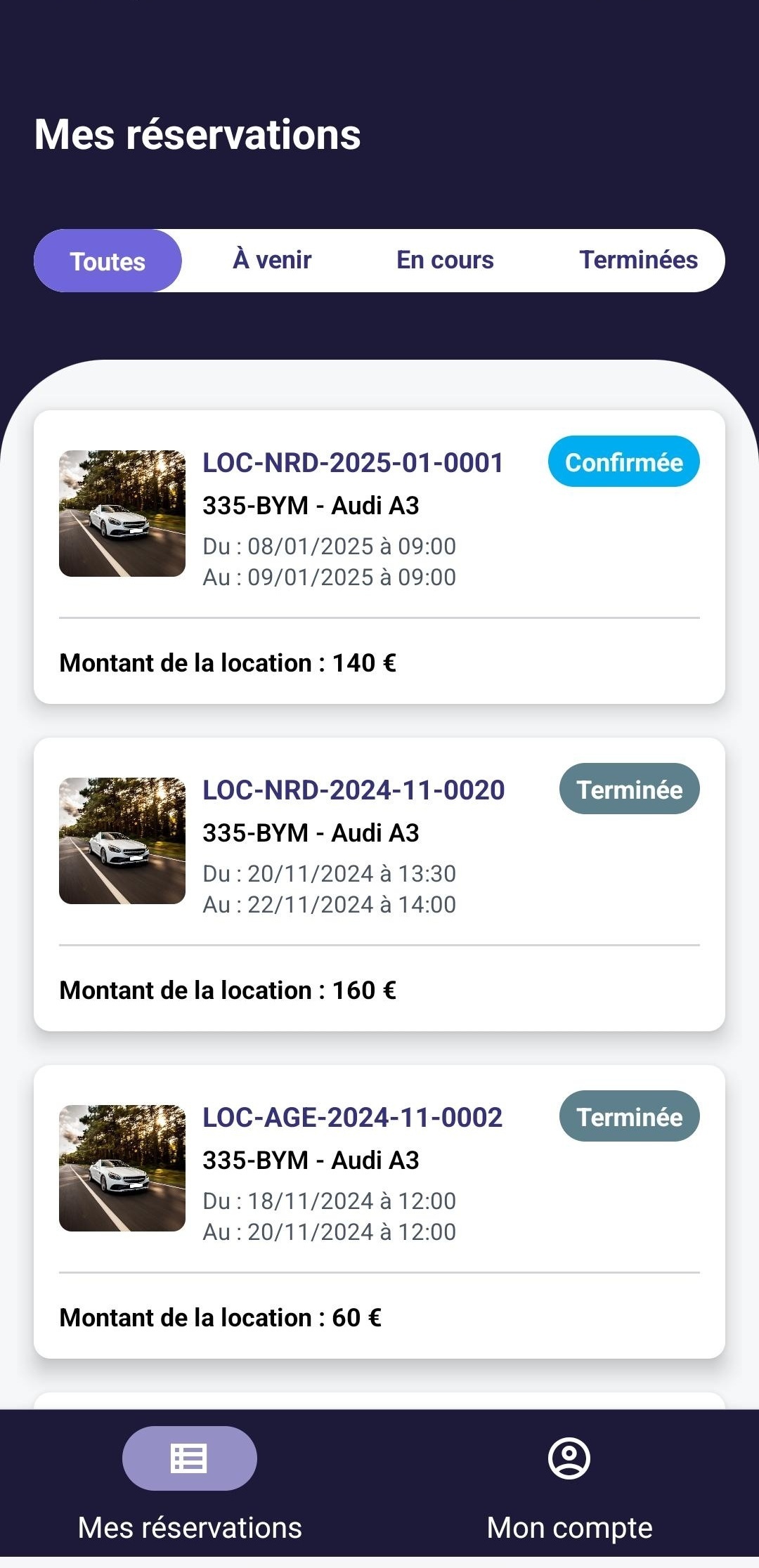
Learn about the steps your customer goes through, from picking up the vehicle to returning it.
View Departures and ReturnsLicense verified, security deposit recorded: Learn about the checks performed before the vehicle is released.
View the terms of access
Learn about how it works, the equipment available, and the rates so you can arrange your rentals on your own.
Discover Self-ServiceNo. The rental company must validate the permit before the digital key can be unlocked.
The vehicle is unlocked using KeyRent; it is started using the physical keys left inside the vehicle.
The customer can no longer use the app to unlock or lock the vehicle. Be sure to include this information in the instructions before departure and upon return.
You are familiar with how the offer works and its terms. Let us know which vehicles you’d like to equip: we’ll review their eligibility before providing you with a quote.
Free estimate · Equipment and installation by appointment · 24-month commitment
View pricing and requirements

Less administrative work.
More time for your rentals.