
A Belated Return
Check the available inventory before calling the customer. This way, you’ll be prepared for the conversation with specific information.
With Fleetee Connect
Check the availability of your equipped vehicles in Fleetee Manager. Whether you're preparing a return or need to locate a vehicle, the information remains linked to your rental management system.
Equipment and installation required · Fleetee Manager required · 24-month commitment
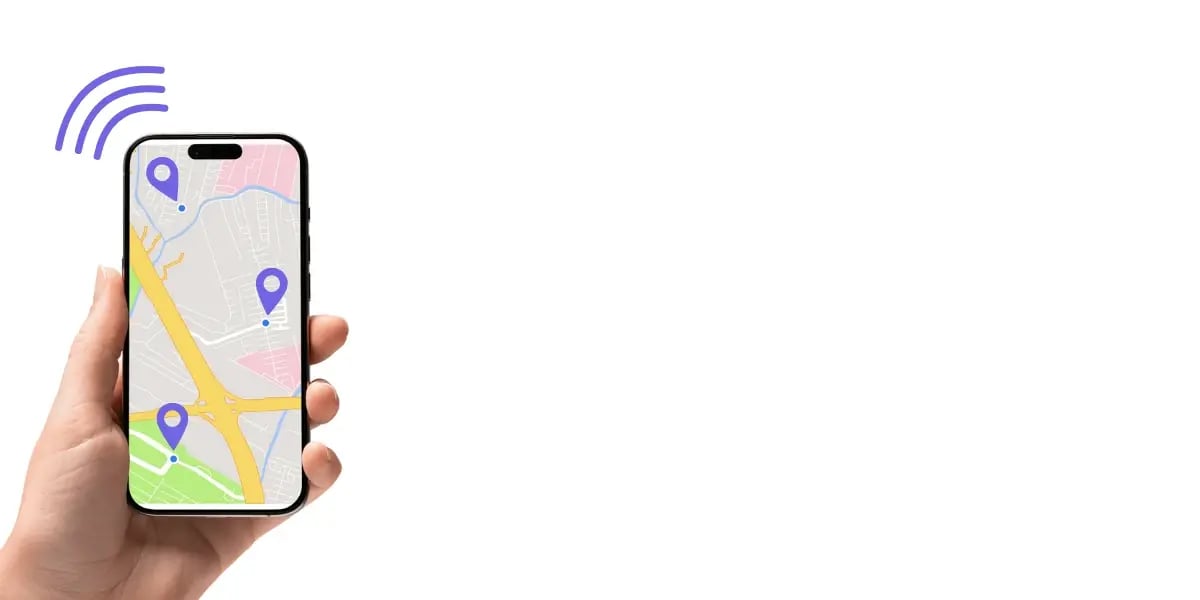
The device sends vehicle data to Fleetee. On the vehicle's profile page, a dedicated tab displays its location on a map and the time of the last synchronization. This information also appears on the current rental.
This way, you can start with the vehicle or rental you’re already familiar with, without having to recreate the file in another system. The information you view helps you understand the situation before contacting the customer.
Check the available inventory before calling the customer. This way, you’ll be prepared for the conversation with specific information.
Track down equipped vehicles when they are at multiple drop-off locations or involved in separate rentals.
Locate the vehicle and coordinate the necessary steps with your teams and the relevant contacts.
A displayed location does not always mean that the vehicle is still there. The "Last Synchronization" time tells you when the data was received.
Parking in a basement or in an uncovered area can interrupt the lift's ascent. Check this indicator first before concluding that a vehicle is immobilized or has not been moved.
Passenger cars, utility vehicles, heavy-duty trucks, and trailers may be eligible, subject to certain criteria. The study specifies both the vehicles that can be equipped and the data available for each.
Eligibility is confirmed subject to verification by a technician during installation. We assess your equipment before providing any quote.
A device is installed by appointment. Fleetee Manager is required to view tracking information. The offer and its terms are detailed on the Fleetee Connect page.
Tracking answers the question, “Where is the vehicle?” Mileage and fuel levels—when available for that model—provide additional information to help manage the rental.
The update depends largely on the network. Check the date and time of the last synchronization displayed along with the vehicle information.
Connect features vehicle tracking. Keyless access via smartphone is part of the Fleetee Keyless offering, which should be reviewed before installation.
Yes. You choose which vehicles to equip after the eligibility review.
Cars, utility vehicles, or heavy-duty trucks: Find the latest known location of equipped vehicles in Fleetee Manager. For example, with long-term truck leases, you can keep track of your fleet between visits to the depot. Compatibility is assessed on a vehicle-by-vehicle basis.
A GPS tracker for cars is an excellent tool for expanding your target audience, digitizing the customer experience, and boosting your business.
Fleet management, user safety, protection against theft or accidents—here are 5 benefits of a connected car device.
Please list the vehicles you would like to equip. We will review their eligibility and the available data before providing you with a quote.
Free consultation · Equipment and installation by appointment · 24-month commitment
View pricing and requirements

Less administrative work.
More time for your rentals.