

Centralized Customer File
Find useful information and the documents required for the rental.
Customer, vehicle, and reservation information is used to populate your contracts in Fleetee Manager. Review the document, have it signed, and save any amendments in the same rental file.
14-day free trial, no credit card required. See pricing →.
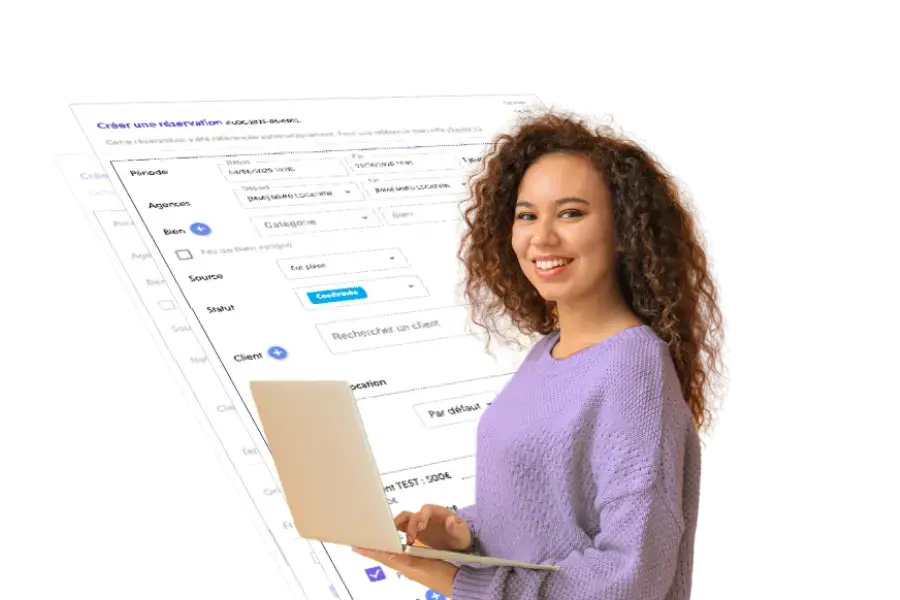
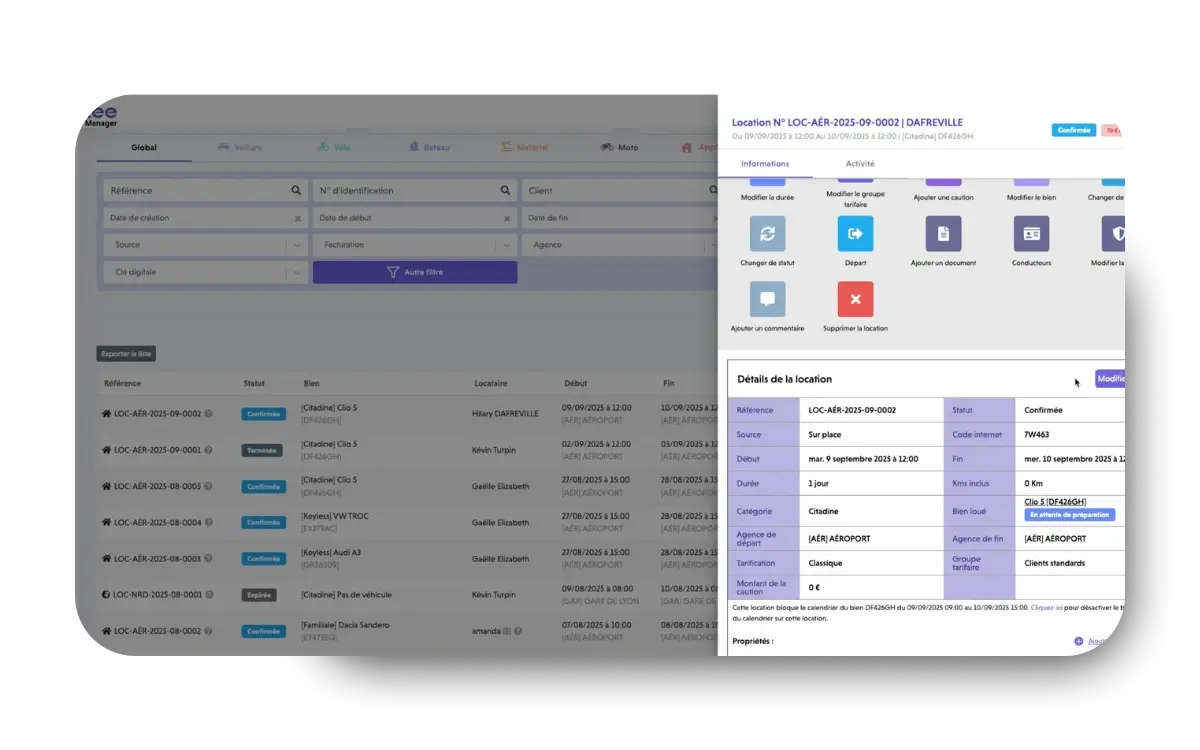
Your contract includes the information from the file. You can customize your templates, terms, and layout, and then review the document before approving it.
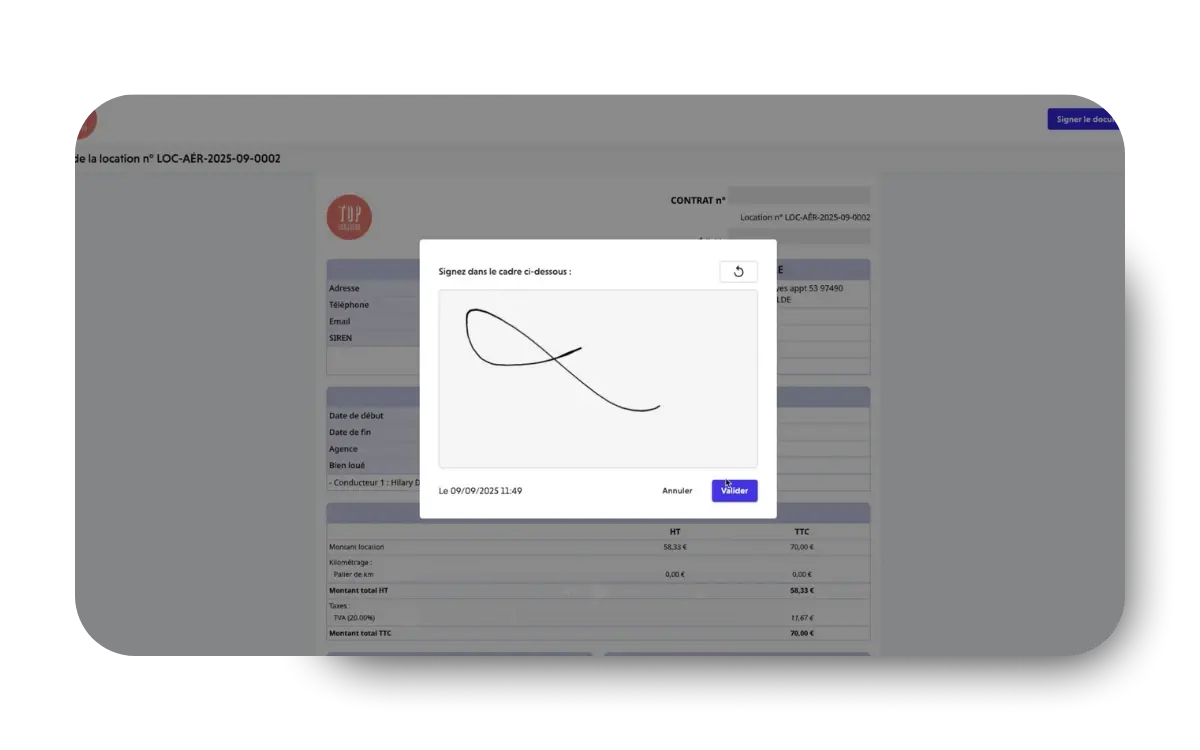
The customer reviews and then signs the contract online using a smartphone or tablet. You can also approve the document without an online signature and print it if your organization requires it.
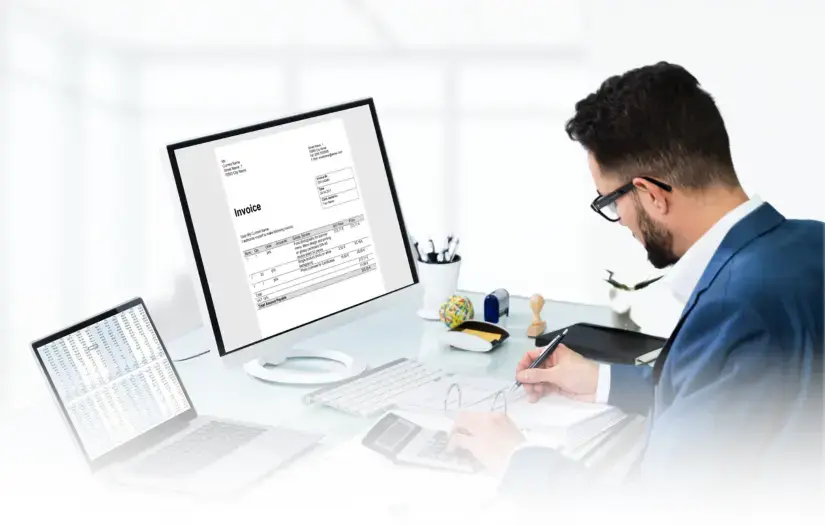
View the rental documents with the information already entered. Track your payments and prepare the documents corresponding to each stage of the rental process.
Online registration allows customers to submit their information and documents in advance. You can track their progress and approve the documents directly from the file: signing is part of the comprehensive preparation for departure.
Find useful information and the documents required for the rental.
Keep the approved contract and any amendments in the same place so you can easily find what was agreed upon.
Continue to track payments and activity without creating a second file.
Explore the dashboardYes. You can have the customer review and sign the contract online using Fleetee Manager. It is still possible to approve the contract without an online signature and have the customer sign a paper copy.
Once a contract has been approved, it can no longer be modified. Any change made after approval results in an amendment, which can be signed electronically or on paper.
Yes. Fleetee allows you to create templates in French and English. The templates available to each agency depend on the configuration settings. To automatically apply a language template, the corresponding rules must be in place, and the language must be specified in the client’s profile.
Yes. Quotes, invoices, and payments are managed using the data in the file. Electronic issuance of rental invoices is available through SuperPDP after configuration; the receipt of supplier invoices is not managed in Fleetee.
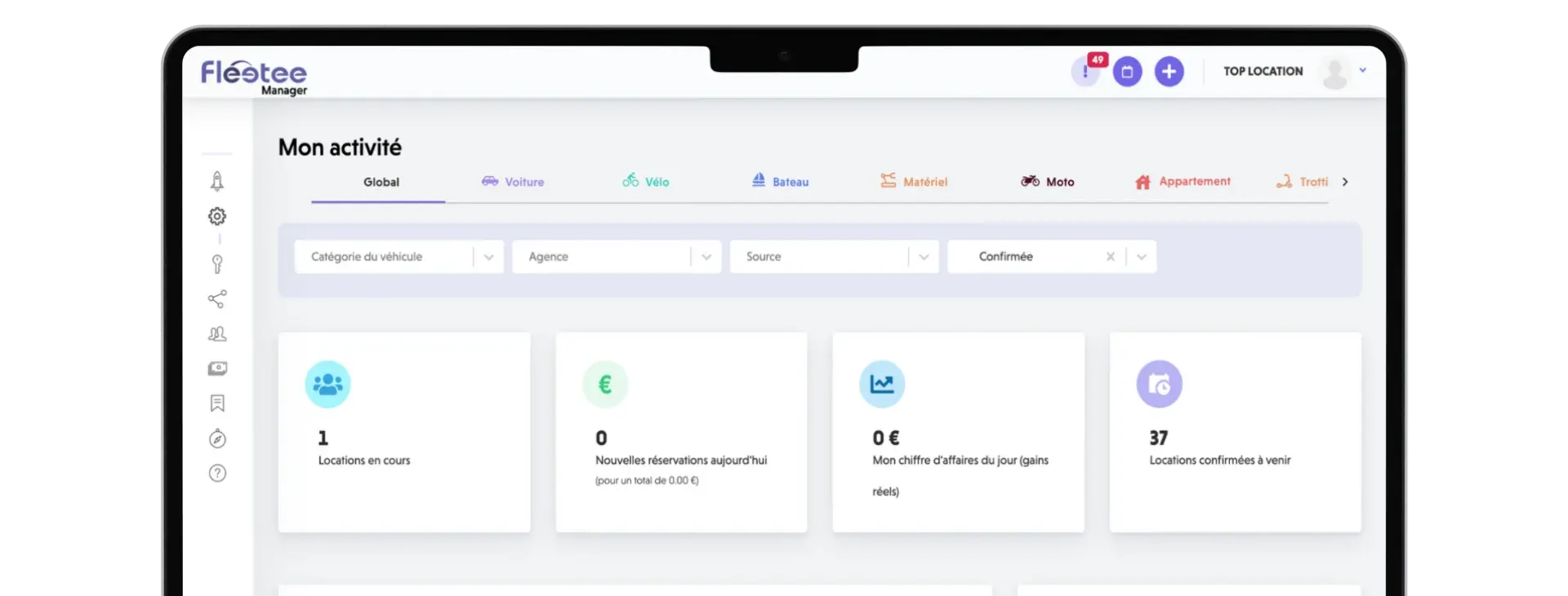
Organize the dates and assignments.
View the schedule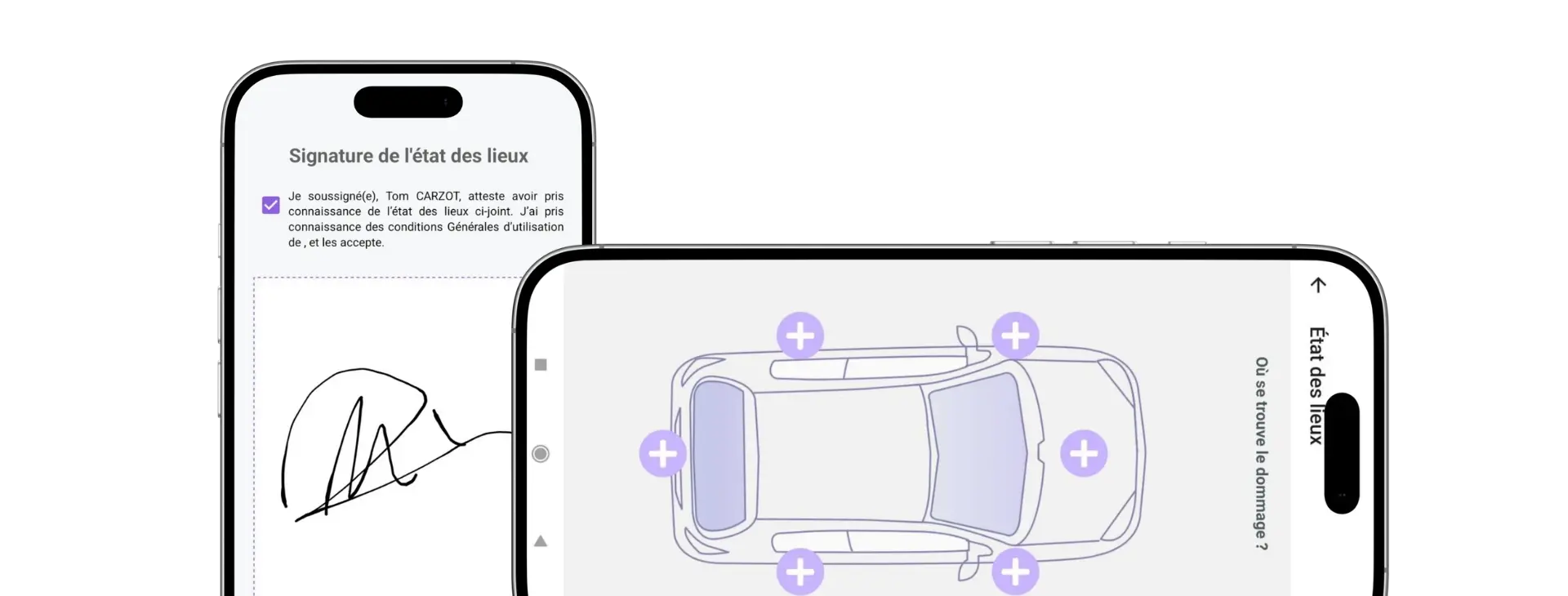
Inspect the vehicle upon departure and upon return.
Explore the property inspections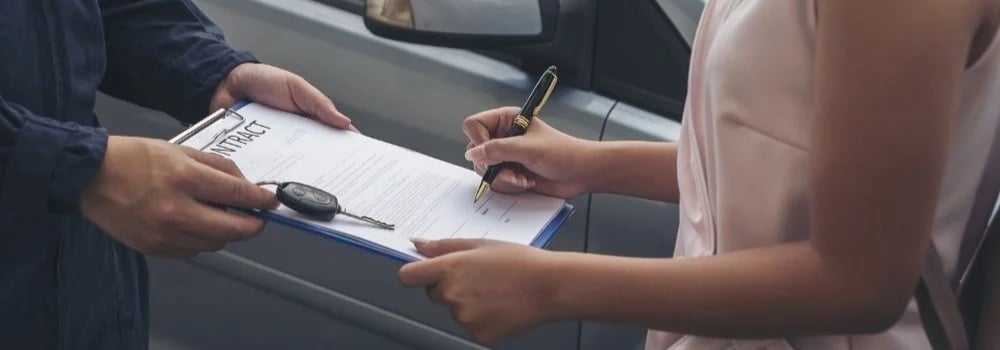
A rental agreement is essential for any car rental company. Here's how to easily create your own!
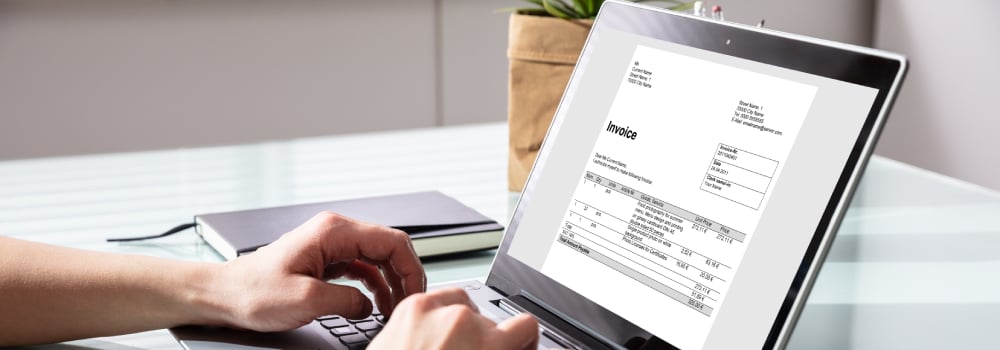
Invoicing should not be neglected, to avoid any disputes or oversights. Here are the 4 essential points for invoicing a car rental.
Discover Manager with your own vehicles, your own customers, and your own way of working.
14-day free trial, no credit card required. See pricing →.

Less administrative work.
More time for your rentals.