

View available vehicles
View confirmed, pending, or completed rentals, as well as blocked periods.
The Fleetee Manager rental schedule consolidates your fleet's reservations, quotes, and unavailability. Filter by branch or category and plan your upcoming rentals all from a single calendar.
14-day free trial, no credit card required. See pricing →.

A shared calendar to help you make reservations and see what's actually occupied in your park.
View confirmed, pending, or completed rentals, as well as blocked periods.
View today, this week, this month, or the next three months. Filter by agency, vehicle type, or category.
Distinguish between quotes, rentals without an assigned vehicle, and overbooking situations.
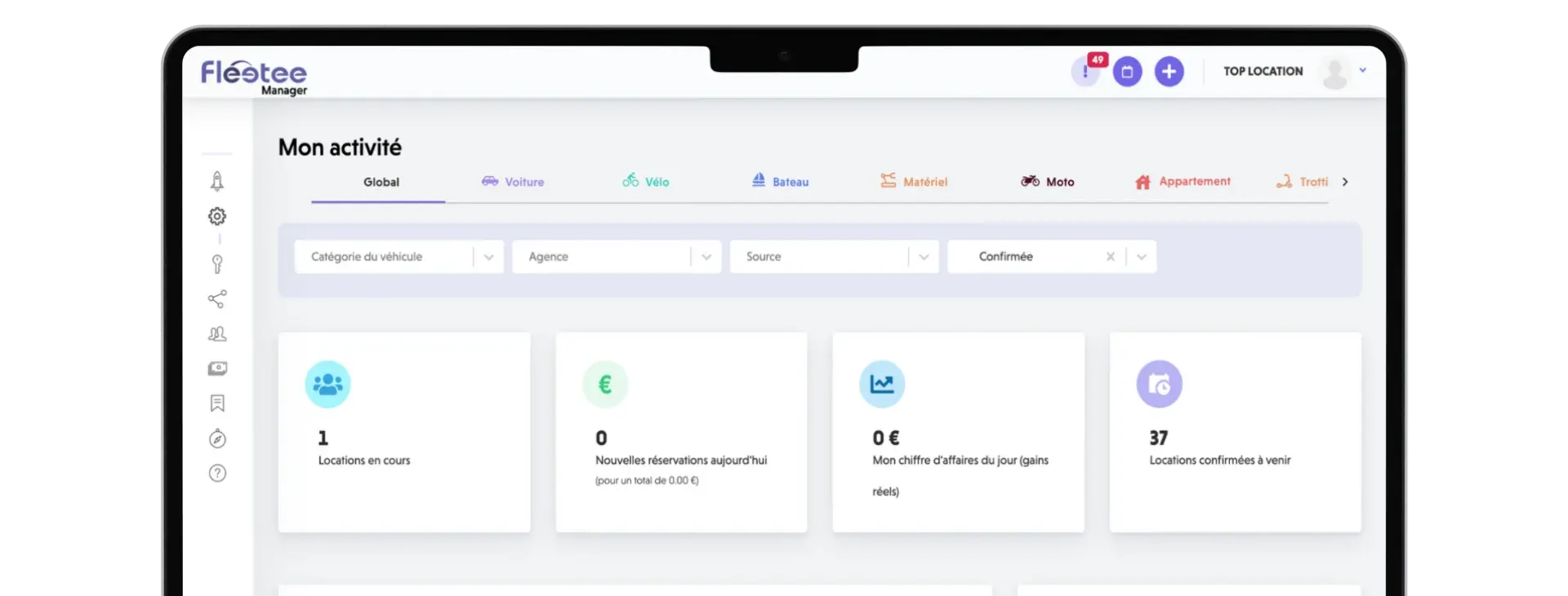
Select the vehicle and the time period on the schedule. You can prepare a rental, a quote, or a service order without changing the starting point.
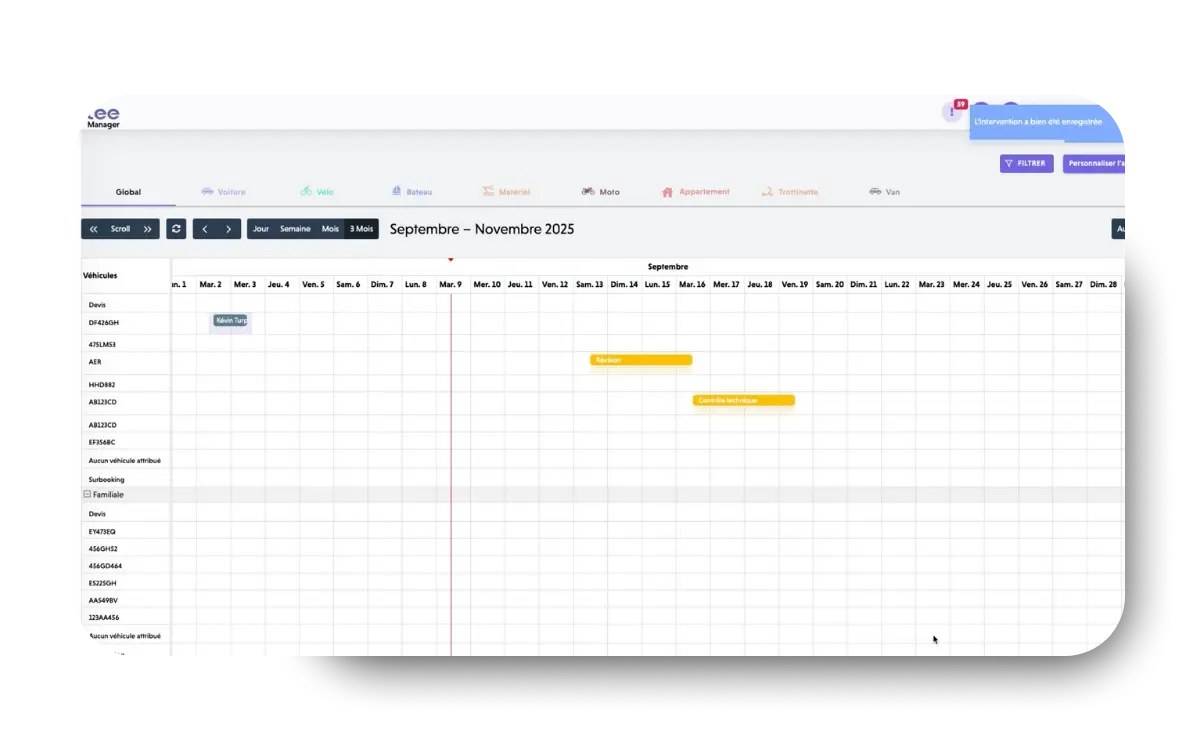
Block off the calendar for a service call or other unavailability. The reason helps your team understand why the vehicle cannot be scheduled during that time.
With Fleetee Web, requests submitted on your website are sent to Fleetee. The booking method you choose determines whether they are automatically confirmed or await your approval.
The information provided by the customer is used to create their reservation record.
Explore the booking moduleChoose the booking and payment settings that best suit your business.
Discover Fleetee WebYes. You can filter by agency, vehicle type, and vehicle category, among other criteria. The calendar also offers several display options: day, week, month, or the next three months.
Yes. Select a time period on the vehicle's row. You can then set up a rental, a quote, or a service order for the selected dates.
Block the vehicle's calendar for the relevant period and enter the reason. The vehicle will then no longer be available for rental during that time.
Yes. A dedicated line allows you to identify reservations that have not yet been assigned a vehicle. The schedule also distinguishes between quotes and overbooking situations.
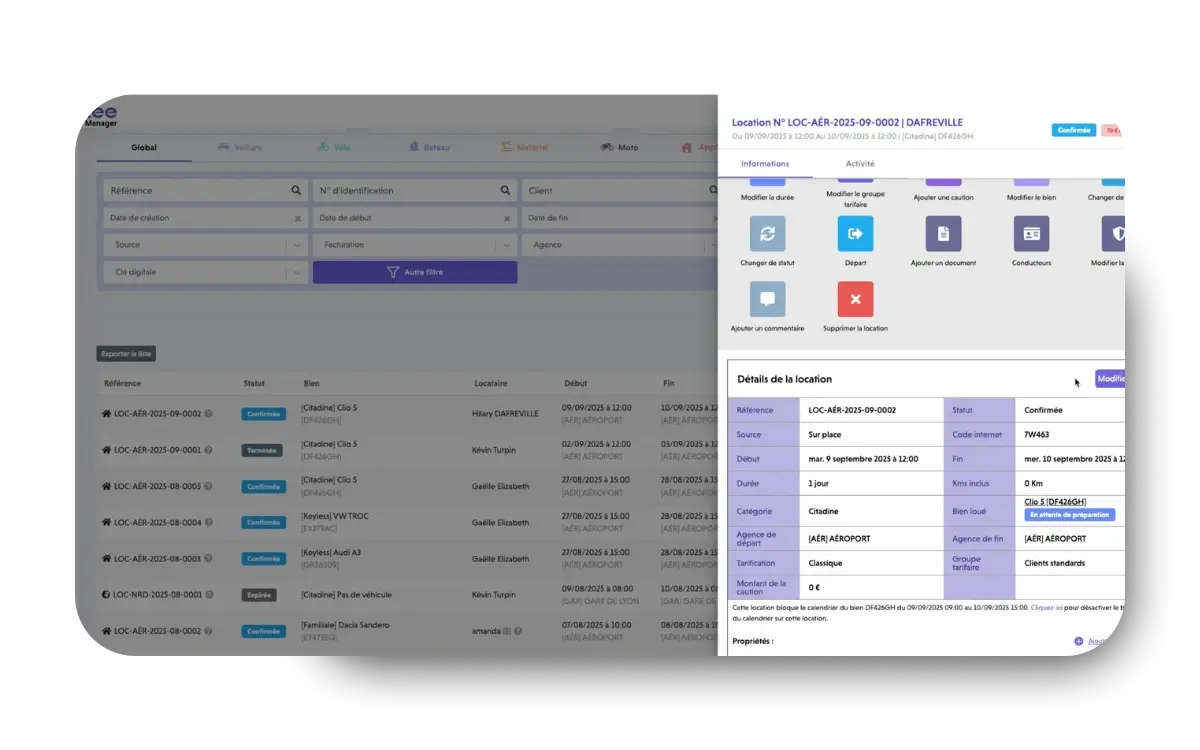
Continue preparing for departure.
Learn About Contracts and Signing ThemPlan ahead for maintenance on your fleet.
Learn about maintenance tracking
Car Rental Scheduling in Excel: Data Entry Errors, Sharing, Backups, Online Reservations. 7 Reasons to Switch to Dedicated Software.

Manage your car rental business effectively: scheduling, administrative tasks, profitability, and business continuity. Learn about the PARC method and our tips.
Discover Manager with your own vehicles, your own customers, and your own way of working.
14-day free trial, no credit card required. See pricing →.

Less administrative work.
More time for your rentals.